
Keyboard Case for Amazon Fire Max 11 inch
4.5Editor score
7 Color backlit keyboard
Long battery life hours
Magnetic detachable design
This guide compares ten top-rated keyboard cases for the Fire Max 11 tablet, analyzing build quality, typing experience, and protection features.
Finding the right keyboard case for your Fire Max 11 can transform how you use your tablet for work or creativity. A good option offers solid protection, a comfortable typing experience, and convenient features like pen holders or backlighting.
We have evaluated ten distinct products based on their compatibility, material quality, and functional additions. Our comparison looks closely at how each case handles daily wear and tear while enhancing the utility of your device.
Each pick below shows what makes a specific model stand out in its category. Keep in mind that availability and stock levels can change frequently, so checking the latest details before ordering is always wise.
4.5Editor score

4.6Editor score
4.6Editor score
The following table provides a side-by-side look at the key specifications and features of each model to help you narrow down your choices quickly.
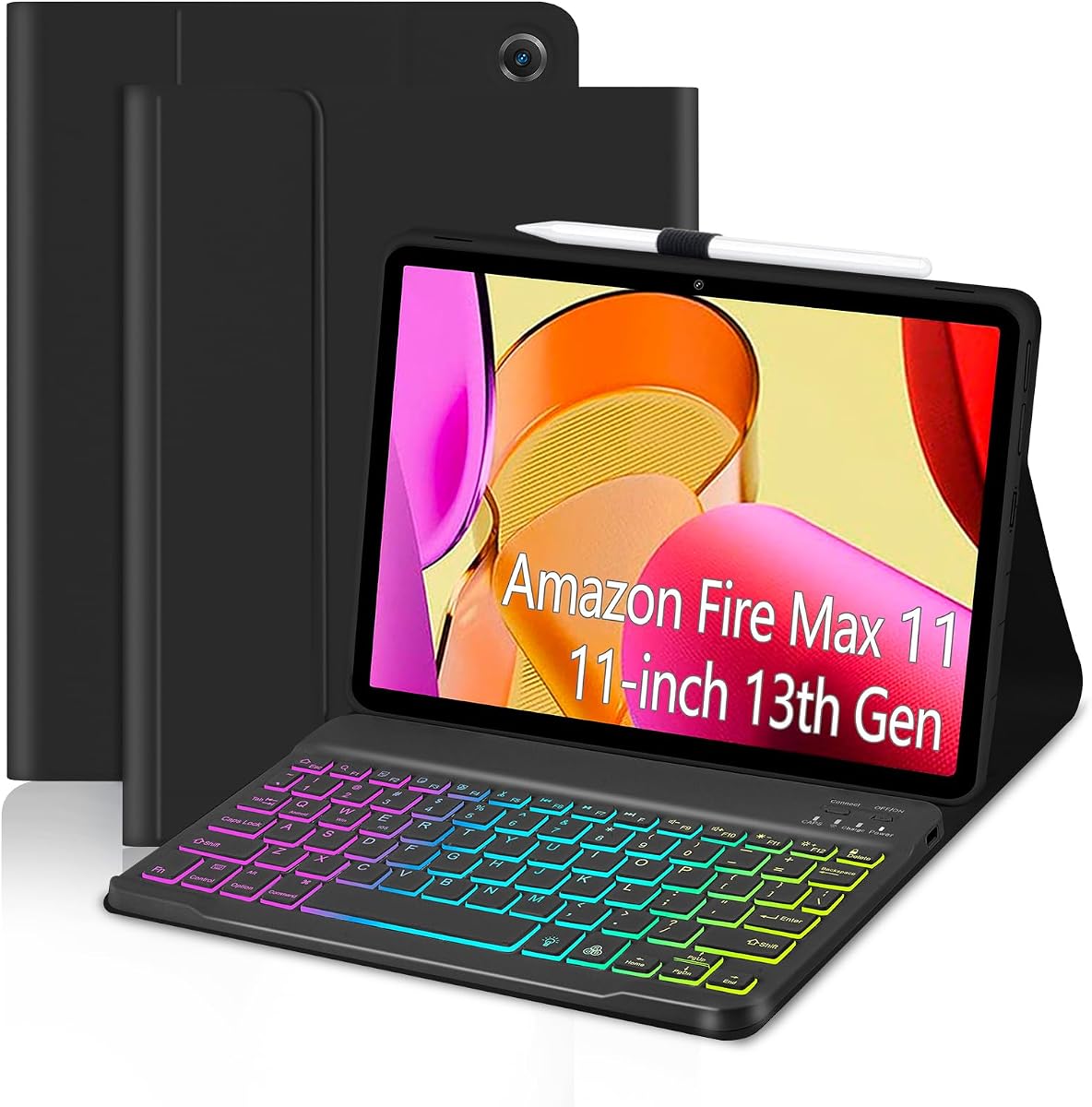
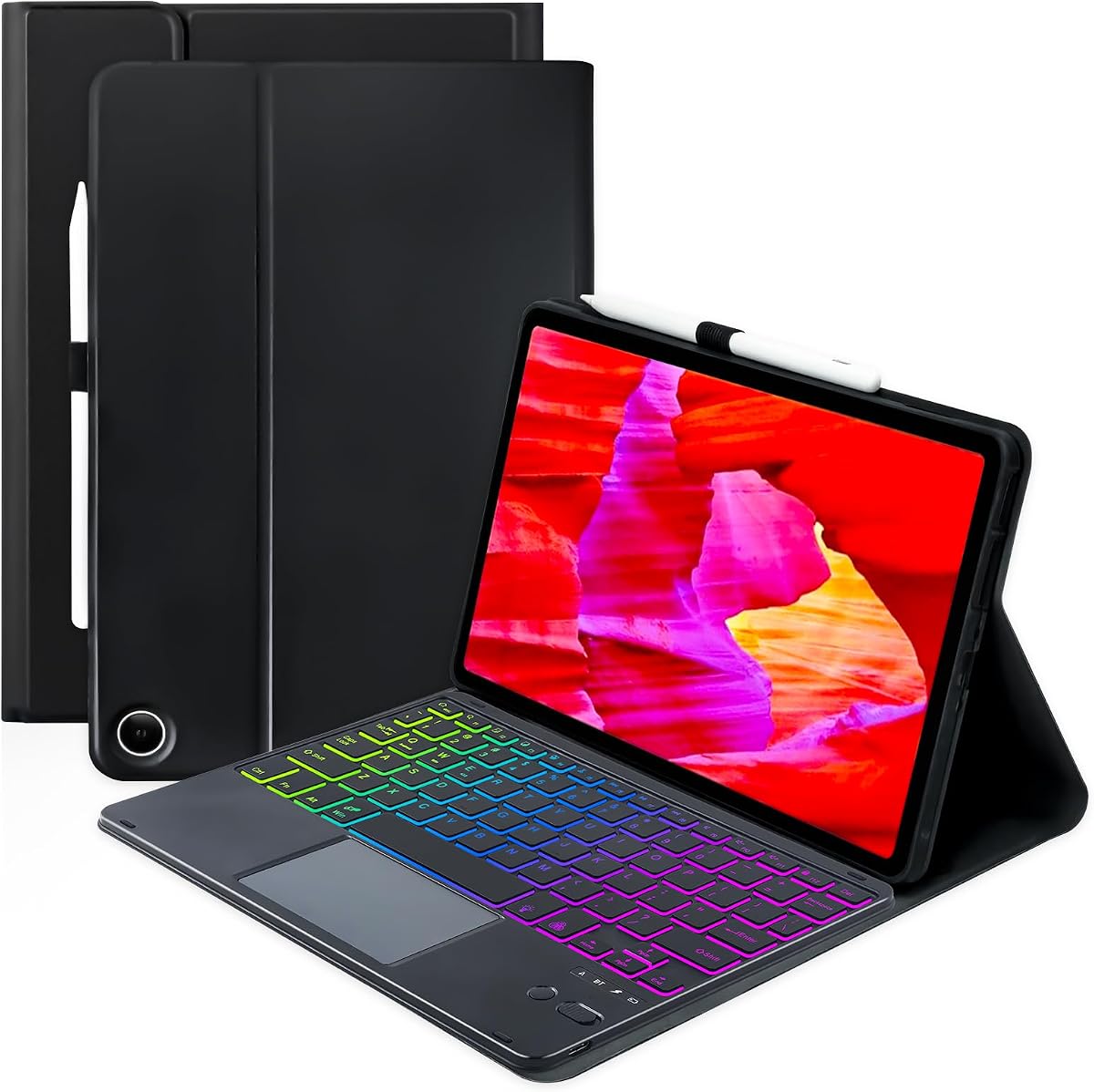


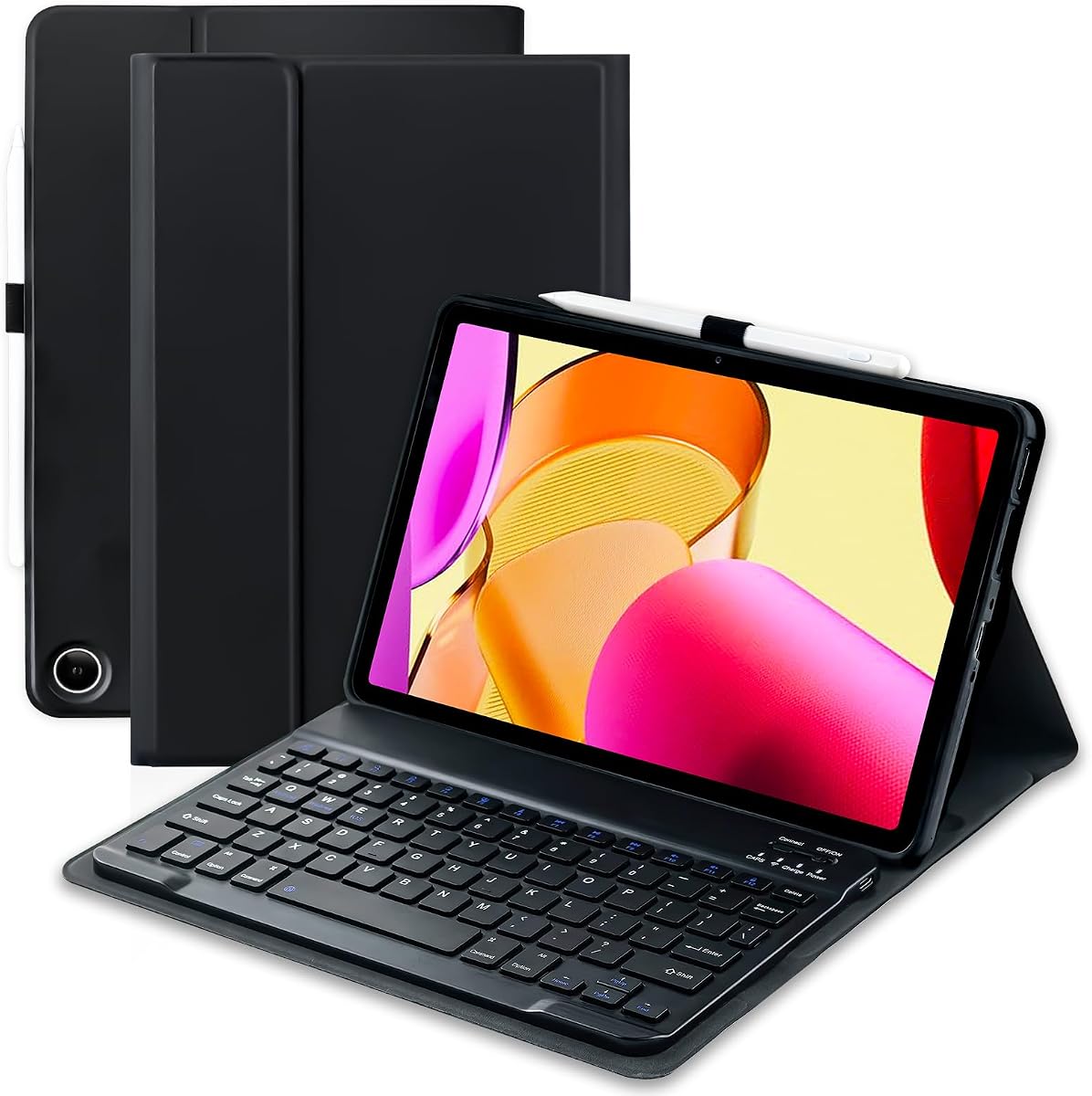


The official Amazon keyboard case stands out as the premier choice for users seeking a seamless, fully integrated solution. With a 4.6 rating, it delivers a polished experience that feels tailor-made for the Fire Max 11.
We may earn a commission when you buy through this link, at no additional cost to you.
Its integrated trackpad is a significant advantage, offering mouse-like precision without needing external peripherals. The keyboard connects via magnetic pogo pins, eliminating the hassle of batteries or separate charging cycles.
While the price is higher than third-party options, the build quality and zero-setup convenience justify the cost for many professionals. The use of recycled plastics also appeals to environmentally conscious buyers.
This case is ideal for productivity-focused users who value reliability and native integration. If you want a hassle-free typing and navigation experience that feels like a true laptop, this is the top recommendation.
The built-in trackpad supports gestures like pinch-to-zoom and two-finger scrolling, making document and web navigation intuitive without reaching for a mouse.
Made with 35% post-consumer recycled plastics, this case balances performance with environmental responsibility, appealing to eco-aware consumers.
We may earn a commission when you buy through this link, at no additional cost to you.
This budget-friendly option offers exceptional value, earning a 4.5 rating among users. It provides a solid typing experience with a detachable keyboard that attaches magnetically to the protective case.
We may earn a commission when you buy through this link, at no additional cost to you.
The standout feature is the customizable 7-color backlight, which enhances visibility in low light. Additionally, the battery life is impressive, lasting up to 90 hours on a single charge.
While it requires Bluetooth pairing, the convenience of wireless use outweighs this minor setup step. The honeycomb design helps prevent overheating during extended use.
If you want a capable keyboard case without spending a lot, this model is a fantastic choice. It covers all the basics well while adding stylish features like the backlight.
The 420mAh battery allows for continuous use up to 90 hours, ensuring you won't be interrupted during long work sessions.
Choose from seven colors to match your personal style or set the lighting to breathe automatically for a dynamic look.
We may earn a commission when you buy through this link, at no additional cost to you.
As a premium offering, this case delivers on quality and design with a strong 4.6 rating. It shares many features with the other official version but highlights sustainability and durability as key selling points.
We may earn a commission when you buy through this link, at no additional cost to you.
The integrated trackpad allows for precise control, while the magnetic attachment ensures the keyboard stays secure during use. The case also includes a multi-position stand for versatile viewing angles.
While the investment is significant, the long-term durability and eco-friendly materials make it a wise choice for many users. The seamless integration ensures compatibility with system features.
This option is perfect for those who prioritize premium materials and native features. If you are looking for a reliable, high-end accessory that respects the environment, this case is highly recommended.
The detachable back cover functions as a stand, allowing you to adjust the angle for comfortable viewing or hands-free video calls.
Crafted with recycled plastics, this case reduces environmental impact without compromising on protection or functionality for your tablet.
We may earn a commission when you buy through this link, at no additional cost to you.
This colorful case offers a unique typing environment with a 4.5 rating. The rainbow backlight provides a dynamic visual experience, making it easy to type in the dark.
We may earn a commission when you buy through this link, at no additional cost to you.
The Type-C charging ensures that the keyboard stays powered without needing frequent swaps. The honeycomb design inside helps manage heat effectively during use.
While the backlighting is fun, it can be turned off to save power when not needed. The pen holder is a useful addition for artists or note-takers.
This is a great choice for those who enjoy a bit of flair on their tech. If you want a case that looks good and offers solid protection, this model is worth considering.
The RGB keyboard supports automatic breathing modes, allowing you to switch colors easily or turn them off to conserve battery.
The inner shell uses a honeycomb pattern to improve airflow and keep your tablet cool during extended use.
We may earn a commission when you buy through this link, at no additional cost to you.
This model stands out for including a touchpad, making navigation easier with a 4.2 rating. It offers a full keyboard experience with a rechargeable battery to keep you going.
We may earn a commission when you buy through this link, at no additional cost to you.
The touchpad replaces the need for a mouse, which is convenient for productivity tasks. The rainbow backlight adds a touch of personalization to your setup.
While the touchpad may not be as precise as a laptop, it is sufficient for most daily tasks. The anti-slip grooves help keep the tablet stable during typing.
If you need a standalone solution that acts like a laptop, this is a strong contender. The combination of a keyboard and touchpad simplifies your workflow significantly.
The touchpad supports multi-finger gestures, allowing for smooth scrolling and navigation without extra peripherals.
Anti-slip grooves on the keyboard cover ensure the tablet stays securely in place during use.
We may earn a commission when you buy through this link, at no additional cost to you.
With a 4.3 rating, this case emphasizes protection with full edge coverage. The magnetic detachable keyboard allows for flexibility in how you use the device.
We may earn a commission when you buy through this link, at no additional cost to you.
The auto sleep/wake function helps conserve battery, extending the life of your tablet. The inner layer provides cushioning to protect against bumps and drops.
While the keyboard is sold separately, the case itself offers robust protection for daily use. The anti-slip slots help keep the tablet at the right angle.
This is a practical choice for those who prioritize the safety of their tablet. If you need a durable case that also offers a stand feature, this fits well.
Automatic sleep/wake function ensures the screen goes off when not in use to save power.
The honeycomb inner layer provides cushioning to protect the tablet from drops and dents.
We may earn a commission when you buy through this link, at no additional cost to you.
This package stands out for including a Bluetooth mouse along with the keyboard, rated at 4.4. It offers a complete solution for those who want both input methods.
We may earn a commission when you buy through this link, at no additional cost to you.
The 3-zone backlight adds a creative touch to the typing experience. The auto sleep/wake function helps preserve battery life efficiently.
While having a mouse is helpful, it adds a bit of bulk to the setup. The protective layers ensure that your tablet is well-protected during transport.
If you want an all-in-one solution without buying extra items, this is a smart choice. The combination of keyboard and mouse enhances productivity significantly.
The inclusion of a mouse and keyboard allows for versatile input options suitable for various tasks.
Select from multiple backlight zones to create a personalized look for your typing setup.
We may earn a commission when you buy through this link, at no additional cost to you.
With a 4.4 rating, this case offers strong functionality with magnetic adsorption. The keyboard features multi-function buttons for quick access to common tasks.
We may earn a commission when you buy through this link, at no additional cost to you.
The honeycomb design ensures the tablet stays cool during use. The pen holder keeps your stylus organized and ready for use at any time.
While the shortcuts might take some getting used to, they are useful for efficiency. The strong magnetic hold prevents the keyboard from detaching accidentally.
If you want a case that balances protection with quick access features, this is a great pick. It serves well for both work and entertainment tasks.
Multi-function buttons allow you to adjust volume or control media quickly without navigating menus.
The pen holder keeps your stylus safe and prevents it from getting lost during travel.
We may earn a commission when you buy through this link, at no additional cost to you.
This model provides a colorful typing experience, though it has a lower rating of 3.7. The rainbow backlight adds style, while the TPU inner adds flexibility.
We may earn a commission when you buy through this link, at no additional cost to you.
The protective shell ensures your tablet is shielded from accidental drops. The keyboard allows for adjustments to suit different preferences.
While the connection may require a few steps, the visual appeal makes it a unique choice. The pen holder is handy for those who use a stylus.
This case is a good option for users looking for style and protection. If you prioritize the look of your accessories, this model delivers on aesthetics.
The TPU inner layer adapts to the tablet shape, providing a snug fit and additional protection.
The blue accents and lighting make this case stand out from standard black options.
We may earn a commission when you buy through this link, at no additional cost to you.
This case offers a premium leather look with a 4.5 rating. The vegan leather exterior gives it a sophisticated appearance while protecting your device.
We may earn a commission when you buy through this link, at no additional cost to you.
The detachable magnetic keyboard is easy to remove for reading or watching videos. The precise cutouts allow full access to ports and cameras.
While the material requires care to maintain, it looks great. The auto sleep/wake function helps save power during idle times.
If you prefer a classic look with modern features, this is a strong option. It balances style with functionality effectively for daily use.
The premium vegan leather gives the case a professional appearance suitable for work environments.
Power-saving mode helps extend battery life by hibernating when not in use.
We may earn a commission when you buy through this link, at no additional cost to you.
Selecting the right case involves considering several key aspects that affect usability and durability.
You can choose between Bluetooth keyboards that connect wirelessly or pogo pin models that use a direct connection. Pogo pins avoid battery issues, while Bluetooth offers more flexibility in placement.
Consider whether you want a wireless setup or prefer a direct connection to reduce connection complexity.
Some cases include touchpads, backlighting, or shortcut keys to enhance productivity. Evaluate which features align with your workflow needs before deciding.
Prioritize features like backlight for night use or shortcuts for quick access to apps.
Look for materials that offer 360-degree protection, such as reinforced corners and soft inner linings. Check if the case includes a pen holder for added utility.
Ensure the design covers all edges and ports to prevent accidental damage during handling.
If the keyboard is rechargeable, check the battery duration to ensure it lasts through your typical work sessions. Some models charge via USB-C for convenience.
Long battery life reduces interruptions during critical work periods.
Cases with multiple viewing angles allow you to switch between typing and watching modes easily. Magnetic stands often provide more stability than simple kickstands.
Choose a case that offers flexibility for different usage scenarios.
Verify that the case is designed specifically for the Fire Max 11 (13th Generation) to ensure a perfect fit. Incompatible cases may leave ports exposed or fail to connect properly.
Always check the model year and generation before purchasing to avoid fit issues.
Materials like PU leather or soft TPU affect the look and feel of the case. High-quality materials resist wear and tear over time.
Select materials that match your preference for style and durability.
Some sets include extra items like pens or mice, which can add value. Decide if these extras are necessary for your needs or if you prefer a simpler case.
Extra accessories can be convenient but may not be essential for everyone.
To begin, ensure the keyboard is charged and connect it to your tablet via Bluetooth or magnetic pins. Open the case to activate the screen if it has a sleep/wake function.
Store your stylus in the pen holder to keep it safe and accessible. Adjust the viewing angle to a comfortable position for typing or reading.
Clean the surface regularly with a soft cloth to prevent dust buildup. Avoid exposing the case to direct sunlight or extreme heat to preserve the materials.
No, these cases are specifically designed for the Fire Max 11 (13th Generation). Using them with other models may result in a poor fit or connection issues. Always check the product description before buying.
Most Bluetooth models require periodic charging via USB-C. However, official pogo pin models draw power directly from the tablet, so no separate charging is needed. Check the specifications of the specific model you choose.
Yes, most cases allow you to adjust the angle for viewing or typing. Some have detachable back covers that function as multi-position stands for hands-free use.
Most cases do not include a stylus, though they have holders to store one separately. You will need to purchase a compatible pen if you want to draw or take notes.
Most cases support auto sleep/wake functionality. Closing the lid puts the tablet to sleep, while opening it wakes the device. This feature helps conserve battery life.
Yes, most models are detachable, allowing you to separate the keyboard from the protective cover. This lets you use the tablet as a standalone device for watching videos or reading.
The official keyboard case leads the pack with its integrated trackpad and zero setup, making it ideal for power users. Budget options like the 7-color backlight models offer great value for casual use.
Consider whether you prefer a built-in trackpad or a simpler Bluetooth setup. The best choice depends on your daily tasks and how you plan to use the tablet.
Remember to check the latest pricing and stock before you order since availability can change. Finding the right case ensures your tablet remains protected and versatile.