
BENFEI DisplayPort to DVI 6 Feet Cable
4.6Editor score
Supports 1080p Full HD
Gold plated connectors resist corrosion
Secure latch design for stability
This guide compares the top Displayport to DVI cable options for 2026, evaluating signal quality, durability, and compatibility to help you choose the right
Finding a reliable Displayport to DVI cable is essential for connecting modern computers to older monitors or projectors. You need a cable that ensures stable video transmission without signal loss or flickering during use.
We evaluated ten popular options based on build quality, compatibility, and user feedback to create this comprehensive list. Each product was analyzed for its ability to support high resolutions and maintain signal integrity over time.
Every pick highlights key features and potential trade-offs so you can make an informed decision quickly. Please note that prices and availability change frequently, so check current listings before purchasing your new cable.
4.6Editor score
4.8Editor score

4.5Editor score
This table provides a side-by-side comparison of all ten products to help you quickly identify the best fit for your specific setup needs.

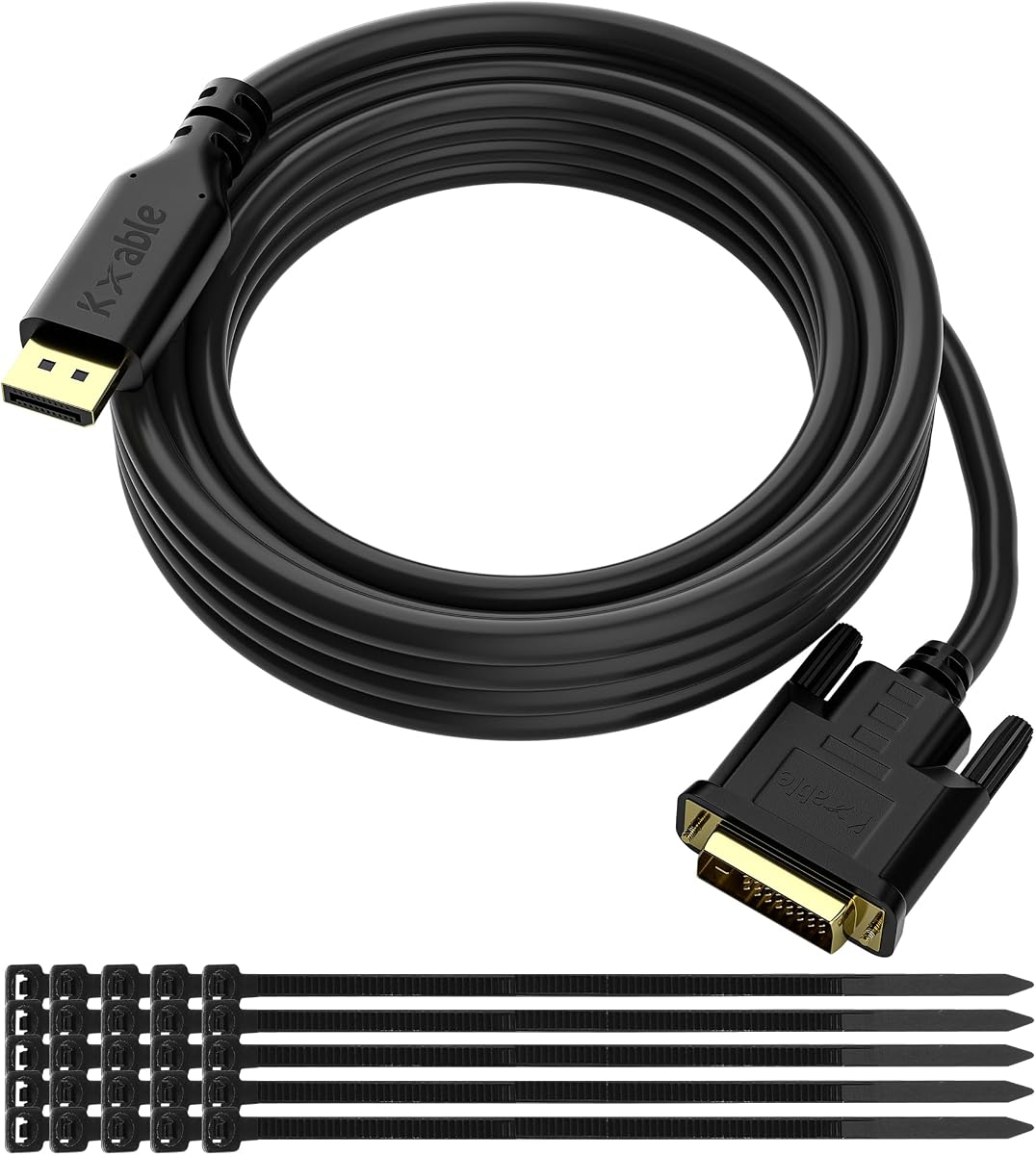
The BENFEI DisplayPort to DVI cable stands out as a reliable budget-friendly solution for connecting modern PCs to older displays. It holds a solid user rating and delivers consistent performance for standard Full HD resolutions without requiring complex setup steps.
We may earn a commission when you buy through this link, at no additional cost to you.
Its standout quality is the built-in IC chip that ensures accurate data streaming from DisplayPort sources to DVI monitors. The gold plated connectors resist corrosion while the molded strain relief increases overall cable durability for daily use.
The trade-off is the fixed six-foot length which might not reach distant setups without extensions. However, for typical desk configurations this length is sufficient and the secure latch design prevents accidental disconnections during operation.
You should buy this if you need a simple affordable cable for office work or basic media viewing. It provides excellent value for money while maintaining signal integrity for most common display resolutions.
The advanced IC chip converts signals effectively ensuring stable video output on compatible monitors without flickering issues.
Latches on the DisplayPort connector provide a firm grip keeping the cable securely in place during extended usage periods.
We may earn a commission when you buy through this link, at no additional cost to you.
This twenty-five foot cable earns its top spot by offering exceptional length for large setups without sacrificing signal quality. Users appreciate its pure copper construction which enhances conductivity significantly compared to standard copper clad steel alternatives.
We may earn a commission when you buy through this link, at no additional cost to you.
The multi-layer shielding protects against interference ensuring clean video transmission even over longer distances. Gold-plated connectors extend service life while the soft PVC jacket provides flexibility for routing cables around obstacles.
The main drawback is the higher cost compared to shorter options which might not be necessary for small desks. However the included cable ties help organize your workspace offsetting some of the premium price value.
Buy this if you need significant cable length for conference rooms or complex desk arrangements. It balances performance and versatility well making it a top recommendation for diverse environments.
Pure copper wire ensures better signal transmission than cheaper materials reducing potential data loss over long distances.
Works with major brands including HP Lenovo Dell and AMD NVIDIA graphics cards for broad setup flexibility.
We may earn a commission when you buy through this link, at no additional cost to you.
The CableCreation Active cable is designed for advanced users needing multi-display setups through Eyefinity technology. Its active chipset allows it to handle complex signal conversions that passive cables cannot support reliably.
We may earn a commission when you buy through this link, at no additional cost to you.
Construction features tinned copper conductors and foil braid shielding for superior performance. The ABS shell adds strength while remaining lightweight ensuring the connector head withstands frequent plugging and unplugging.
The active nature means it requires a specific type of DisplayPort source which may limit compatibility. But for those needing multiple screens or extended modes it provides necessary functionality without external adapters.
Choose this if you run multiple monitors or need specialized display modes. It delivers robust performance for power users who demand reliable signal conversion capabilities.
Supports AMD Eyefinity technology allowing up to six screens to be connected simultaneously with proper configuration.
High strength ABS shell protects internal components from physical damage during regular daily usage.
We may earn a commission when you buy through this link, at no additional cost to you.
Cable Matters offers a straightforward solution connecting DisplayPort equipped computers to DVI inputs with consistent performance. It supports Full HD resolutions well and features a release button for safe cable removal.
We may earn a commission when you buy through this link, at no additional cost to you.
The foil and braid shielding combination protects signal quality from external interference. Bare copper conductors ensure efficient data transmission while gold plated connectors resist oxidation for longevity.
This cable lacks advanced features like active conversion or extra length making it ideal for standard setups only. But for typical office use it provides dependable connectivity without unnecessary complexity.
Buy this for basic desktop connections where you need reliable performance. It is a no fuss option that works well for most standard display requirements.
Release button mechanism allows safe cable removal without pulling on the wire or damaging the port.
Dual layer foil and braid shielding minimizes interference for consistent video signal transmission.
We may earn a commission when you buy through this link, at no additional cost to you.
This generic option appears in search results but lacks detailed specifications for full evaluation. It may serve as a temporary fix when no other options are available immediately.
We may earn a commission when you buy through this link, at no additional cost to you.
Due to missing data we cannot confirm build quality or signal reliability. Users should proceed with caution and verify product details before purchase.
The trade-offs include potential quality issues and lack of warranty support. It might not provide long-term reliability for critical work environments.
Consider this only if you need immediate connectivity and other options are unavailable. Check seller ratings before buying to ensure some level of trust.
Data unavailable for detailed evaluation of this product in the current guide.
We may earn a commission when you buy through this link, at no additional cost to you.
Selecting the right cable requires understanding several technical factors that affect performance and longevity in your setup.
Ensure the cable supports uni-directional conversion from DisplayPort source to DVI monitor since bi-directional options are rare and often do not work as expected.
Check that your source device has a DisplayPort output and your monitor has a DVI input before purchasing.
Measure the distance between your computer and monitor including any routing around furniture to determine the exact length needed.
Shorter cables like six feet work for desktops while longer twenty-five foot options suit large workspaces.
Look for gold plated connectors to prevent oxidation and ensure stable connections over time.
High quality plating reduces signal loss especially when frequently plugging and unplugging the cable.
Foil and braid shielding protect against electromagnetic interference that can cause video artifacts.
Pure copper conductors offer better conductivity compared to cheaper copper clad alternatives.
Verify the cable supports your monitor resolution such as 1080p Full HD to avoid scaling issues.
Most modern cables support up to 1920×1080 at 60Hz for standard use.
Molded strain relief and soft jackets prevent damage at connection points during regular handling.
ABS or metal shells on connectors add strength to the plug itself.
Check for manufacturer warranties ranging from one to twenty-four months for peace of mind.
Responsive customer support helps resolve compatibility issues quickly.
Active cables include chips for complex signal conversion and support multi-screen modes better.
Passive cables work for simple single monitor setups but may lack advanced features.
Connect the DisplayPort end to your computer and the DVI end to your monitor ensuring both latches click into place securely.
If the signal does not appear check your display settings to select extended or mirrored mode properly.
Store the cable in a cool dry place and avoid bending it sharply near connectors to maintain integrity.
No DisplayPort to DVI cables transmit video signals only since DVI does not support audio. You need a separate audio connection for sound.
These cables are plug and play devices requiring no additional drivers. They work with standard operating systems automatically.
Most cables support up to 1920×1080 at 60Hz for Full HD. Some models may support slightly higher resolutions depending on chipset.
No they are designed specifically for DisplayPort to DVI connections. You would need different adapters for HDMI interfaces.
Most are uni-directional converting from DisplayPort source to DVI monitor. Bi-directional options are rare and less reliable.
Flickering may occur due to poor shielding or loose connections. Ensure connectors are firmly seated and try a different cable.
Our top picks include the BENFEI for budget needs the twenty-five foot cable for reach and CableCreation for active multi-monitor setups.
Prioritize build quality and proper length when selecting a cable to ensure stable performance over time.
Remember to verify current prices and availability before purchasing as they can change frequently in the market.