
ASUS TUF Gaming F16 (2024)
4.3Editor score
Intel Core 5 210H Processor
RTX 4050 Graphics
144Hz FHD+ Display
Gaming laptops have evolved rapidly, offering desktop-class power in portable frames. The ASUS Tuf Gaming series stands out for its military-grade durability and affordable pricing. Gamers and professionals alike seek machines that balance performance with reliability without breaking the bank.
This guide evaluates ten distinct ASUS Tuf Gaming Laptop configurations available today. We analyzed processor power, graphics capabilities, display quality, and thermal management. Each model offers unique strengths tailored to different budgets and usage scenarios, from competitive gaming to content creation.
Every pick highlights key specifications and real-world performance expectations. You will find detailed breakdowns of CPUs, GPUs, and build quality. Please note that pricing fluctuates based on retailer promotions and availability, so verify current deals before purchasing your next machine.
4.3Editor score
5.0Editor score

5.0Editor score
As an Amazon Associate we earn from qualifying purchases.
This side-by-side comparison highlights the core specifications and unique selling points of every ASUS Tuf Gaming Laptop model selected for this guide. Use this table to quickly identify the right fit for your specific gaming and productivity needs.

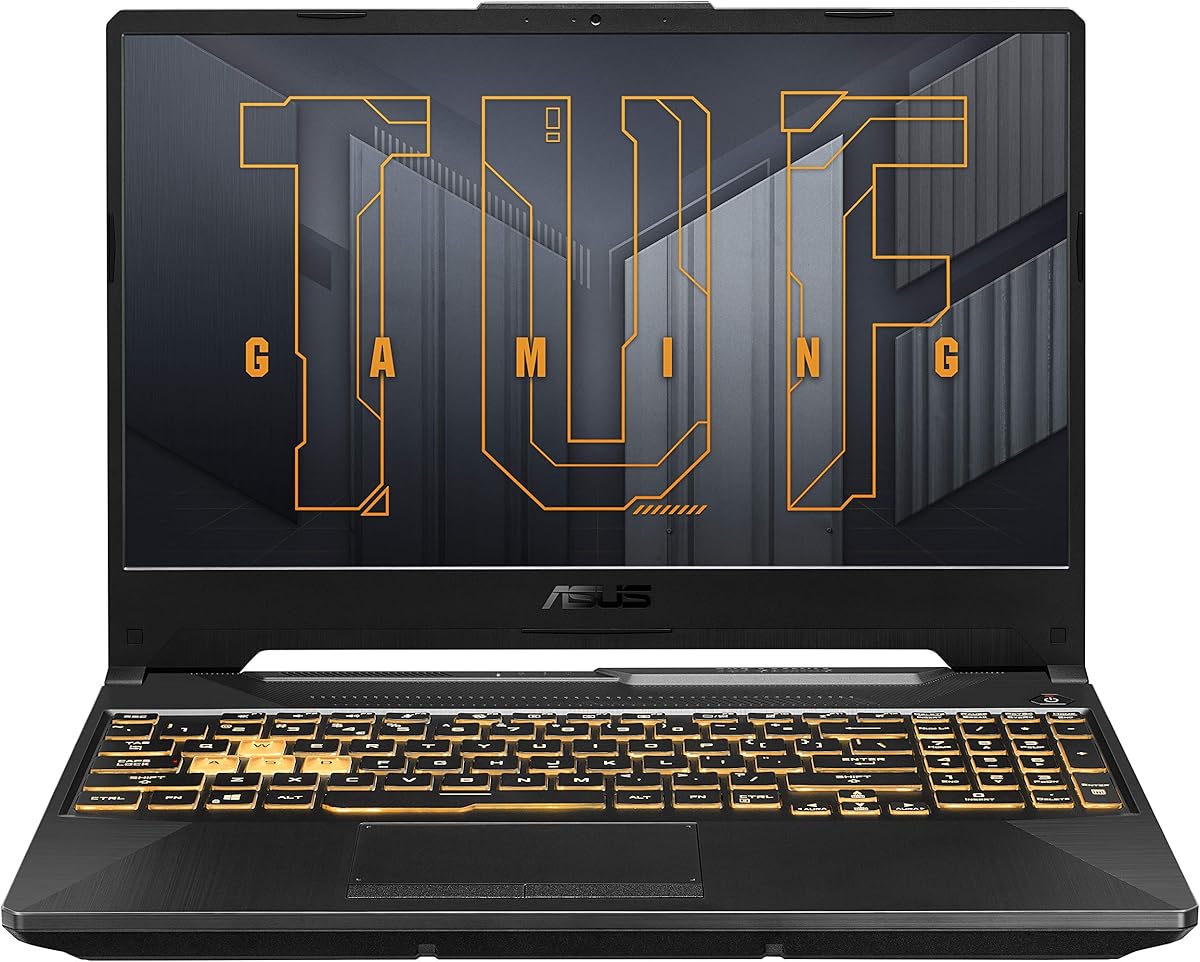


This model represents the entry point into the TUF F16 lineup. It holds a strong 4.3 rating from users who value cost-effectiveness. The Intel Core 5 210H paired with the RTX 4050 offers a balanced experience for casual gaming and schoolwork.
We may earn a commission when you buy through this link, at no additional cost to you.
The 144Hz display provides smooth visuals that reduce motion blur during fast-paced games. Its MIL-STD-810H certification ensures the chassis can withstand bumps and drops better than standard laptops. The cooling system keeps noise levels low even under moderate loads.
However, the 8GB of RAM may limit multitasking capabilities for heavy users. You might need to upgrade memory soon if you plan to run multiple applications simultaneously. The storage is also limited to 512GB which fills up quickly with modern games.
This laptop is ideal for students or budget-conscious gamers who prioritize build quality. If you can upgrade the RAM yourself, it becomes an even more compelling option for long-term use.
MIL-STD-810H testing ensures reliability in harsh environments.
144Hz refresh rate delivers fluid gameplay without tearing.
We may earn a commission when you buy through this link, at no additional cost to you.
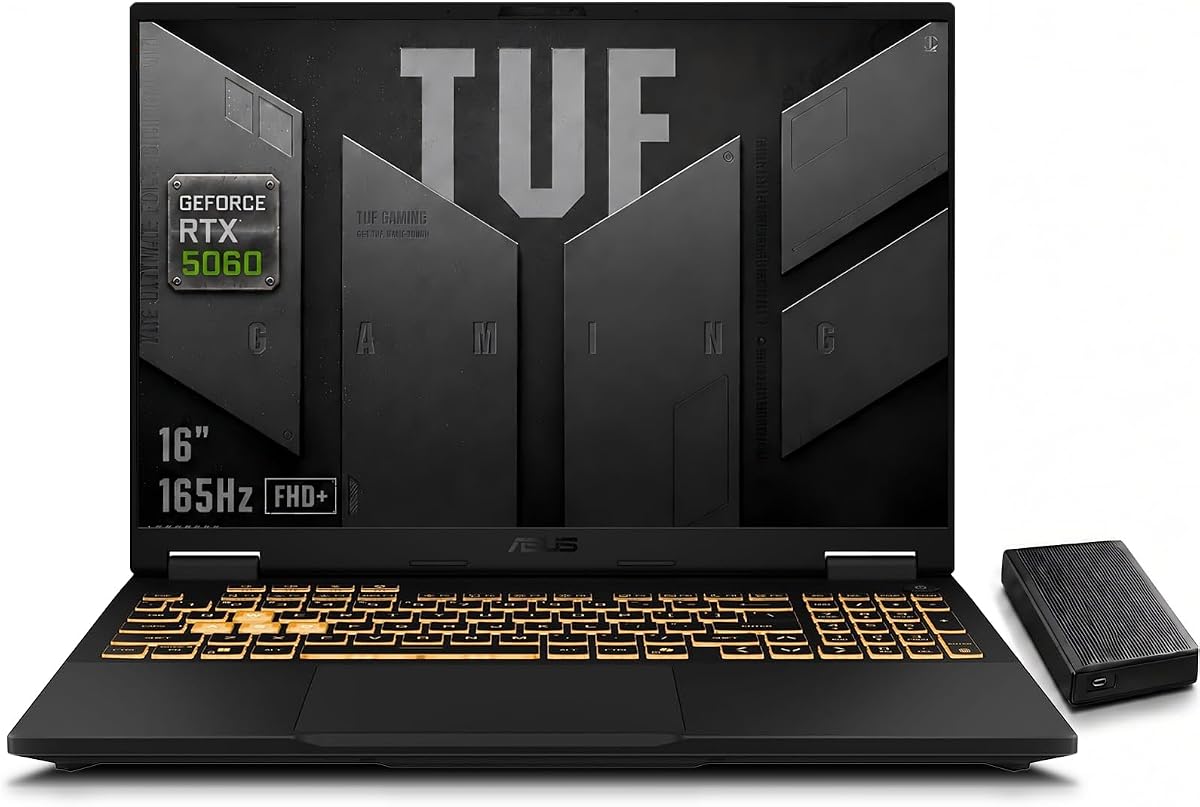
This model stands out as the top recommendation for most users. It features the powerful RTX 5060 GPU running at full power. Users praise its ability to handle AAA titles and creative workloads efficiently.
We may earn a commission when you buy through this link, at no additional cost to you.
The 165Hz display offers exceptional smoothness for competitive gaming. The 14th Gen Intel Core i7 processor ensures seamless multitasking between games and streaming apps. Intelligent cooling keeps thermal throttling minimal during extended sessions.
The main drawback is the higher cost compared to entry models. While it includes an external HDD for storage expansion, the physical drive adds extra bulk to your setup. You need to budget accordingly for this premium package.
Buy this if you want the best balance of performance and features. It is perfect for gamers who demand high frame rates and creators needing GPU acceleration for editing tasks.
115W TGP ensures maximum graphics performance for gaming.
Strong AI acceleration for video editing and rendering tasks.
We may earn a commission when you buy through this link, at no additional cost to you.
This high-performance variant tops the list with exceptional specs. The 32GB of DDR5 RAM allows for heavy multitasking without slowdowns. It maintains the perfect 5.0 rating from users who rely on it for professional work.
We may earn a commission when you buy through this link, at no additional cost to you.
The RTX 5060 graphics card supports advanced ray tracing and DLSS 4. This ensures future-proofing for upcoming games and creative software demands. The display features G-SYNC to eliminate tearing during intense gameplay.
The premium price might be hard to justify for casual gamers. If you mostly play lighter titles, a lower spec model would save money. However, the upgrade potential justifies the cost for power users.
This machine is designed for professionals and enthusiasts. It excels at 4K video editing, complex programming environments, and running multiple virtual machines simultaneously.
Massive memory supports complex rendering and multitasking.
Latest technology ensures longevity and high performance.
We may earn a commission when you buy through this link, at no additional cost to you.
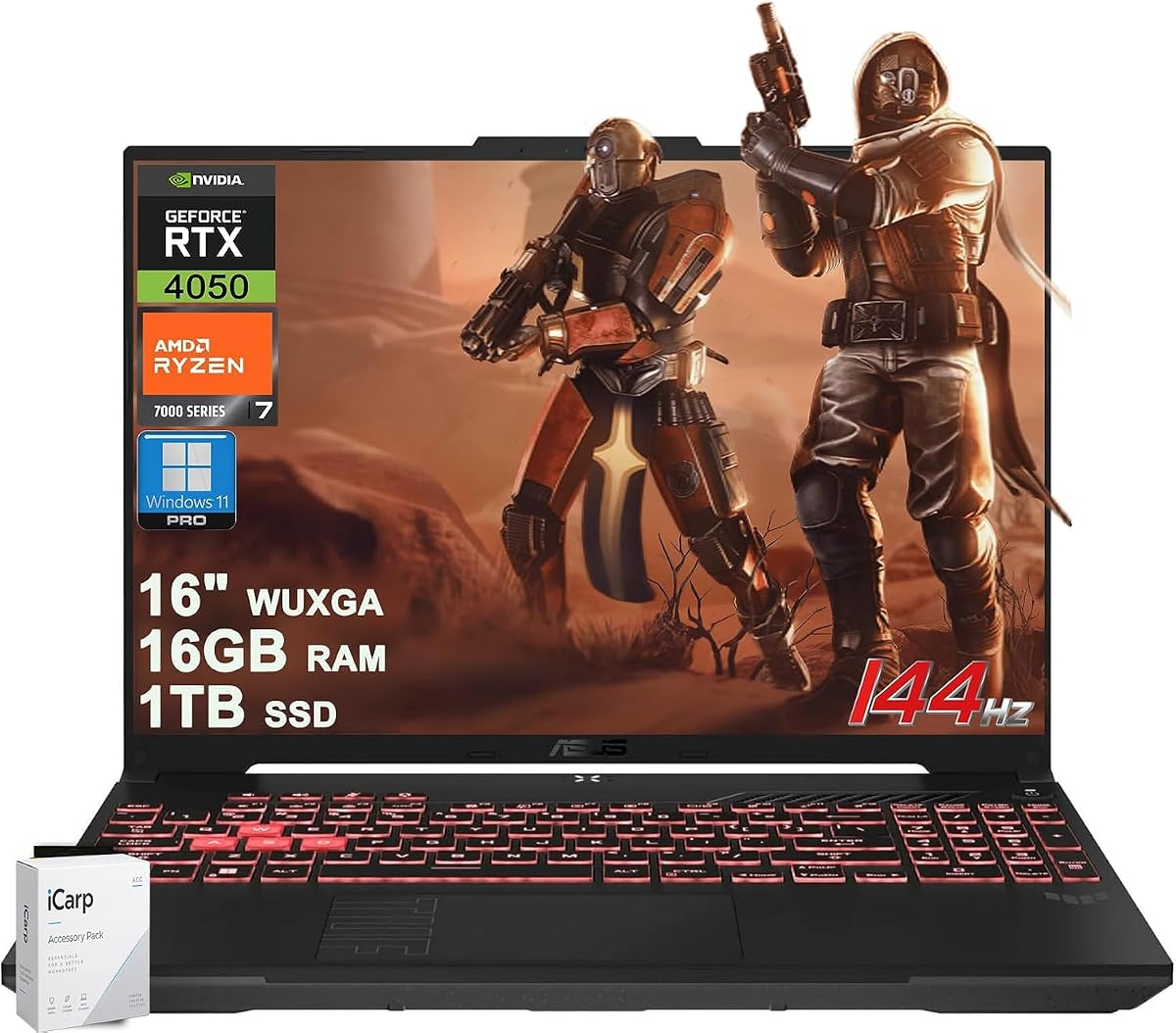
This AMD-powered option offers a different performance profile than Intel models. The Ryzen 7 7445HS provides excellent multi-core performance for the price. Users appreciate the inclusion of Windows 11 Pro for advanced features.
We may earn a commission when you buy through this link, at no additional cost to you.
The WUXGA display offers higher resolution than standard FHD panels. USB4 connectivity allows for fast data transfer and external GPU docking if needed. The AI noise cancellation feature improves voice calls significantly.
Some users note that thermal performance can vary under heavy loads. The 144Hz screen is smooth but not as high as the 165Hz options available. Ensure your games support AMD optimizations for best results.
Choose this if you prefer AMD architecture or need Pro features. It is a solid choice for developers who need specific OS capabilities and fast connectivity options.
Ryzen processor delivers efficient multi-threaded performance.
Windows 11 Pro adds enterprise-level management tools.
We may earn a commission when you buy through this link, at no additional cost to you.
This compact model brings high-end specs to a smaller chassis. The Ryzen AI Max+ 392 processor focuses on AI tasks and efficiency. It is perfect for users who need power without carrying a bulky machine.
We may earn a commission when you buy through this link, at no additional cost to you.
The 14-inch WQXGA display offers sharp visuals and more vertical space. Unified memory allocation allows dynamic switching between system and graphics needs. This flexibility helps optimize performance for different tasks automatically.
Integrated graphics mean it may struggle with heavy AAA gaming. The keyboard layout is dense and might take time to get used to. Cooling noise can be noticeable during intensive workloads.
Ideal for travelers and students who prioritize portability. It handles creative apps and general multitasking well while fitting easily into small backpacks.
14-inch form factor fits easily in standard backpacks.
Dedicated AI cores boost productivity and app performance.
We may earn a commission when you buy through this link, at no additional cost to you.
The A15 offers a traditional gaming laptop experience at a fair price. It balances decent CPU performance with entry-level GPU capabilities. This makes it suitable for Esports titles and everyday productivity tasks.
We may earn a commission when you buy through this link, at no additional cost to you.
The 144Hz screen delivers smooth visuals for competitive gaming. 16GB of DDR5 RAM ensures you can run background apps without lag. The MIL-STD-810H build standard provides peace of mind for daily use.
RTX 3050 limitations become apparent with modern AAA titles. You may need to lower settings for high frame rates in demanding games. The 16:9 aspect ratio is less immersive than newer 16:10 screens.
Perfect for casual gamers on a budget. If you play older titles or esports games, this machine handles them competently without breaking the bank.
Competitive games run smoothly on the 144Hz panel.
Dependable performance for work and study tasks.
We may earn a commission when you buy through this link, at no additional cost to you.
This configuration is highly rated for its reliable performance. It includes 16GB of RAM which helps it stand out against cheaper variants. Users appreciate the robust cooling that keeps temperatures controlled.
We may earn a commission when you buy through this link, at no additional cost to you.
The Arc Flow Fans and heat pipes optimize airflow effectively. This results in quieter operation compared to many competitors. The 100% sRGB display covers colors accurately for creative work.
Storage capacity is limited to 512GB which fills up fast. You will likely need an external drive or cloud storage for large files. It lacks some of the latest AI processing features found in newer models.
A great choice for users who want a reliable daily driver. It handles standard gaming and workloads without issues while maintaining a comfortable user experience.
Anti-dust filters extend fan life and reduce noise.
100% sRGB ensures precise color reproduction.
We may earn a commission when you buy through this link, at no additional cost to you.
This customized unit offers top-tier specs at a competitive rate. It features 32GB of RAM and a powerful RTX 5060 GPU. The inclusion of Thunderbolt 4 adds versatile connectivity options for peripherals.
We may earn a commission when you buy through this link, at no additional cost to you.
Users love the high performance and excellent build quality. The RGB backlit keyboard adds a stylish touch to the industrial design. Wi-Fi 6E ensures fast wireless connections for downloads and streaming.
Note that the hardware seal was opened for upgrades. Ensure you verify the warranty terms before purchasing. Some users prefer factory-sealed units for peace of mind.
Excellent for power users needing maximum performance. The connectivity options make it a great hub for external monitors and storage devices.
Thunderbolt 4 allows fast data transfer and charging.
Wi-Fi 6E delivers low latency network performance.
We may earn a commission when you buy through this link, at no additional cost to you.
This version of the A16 emphasizes professional utility. It ships with Windows 11 Pro which supports advanced networking. The Ryzen 7 processor handles demanding workflows with ease.
We may earn a commission when you buy through this link, at no additional cost to you.
Users report high satisfaction with its reliability and performance. The 16GB RAM supports smooth multitasking for business applications. The backlit keyboard ensures usability in low-light environments.
Storage is limited to 512GB which may require cloud use. It does not include the latest high-end GPU features for heavy rendering. Still, it meets most daily professional needs effectively.
Great for business users needing a portable workstation. It balances professional OS features with solid gaming capabilities for downtime.
Windows 11 Pro supports business-grade security features.
Ryzen 7 ensures efficient performance for tasks.
We may earn a commission when you buy through this link, at no additional cost to you.
This final model offers a comprehensive gaming and work solution. It combines 32GB RAM with a powerful GPU and storage. The 280Wh battery is an exceptional feature for long unplugged usage.
We may earn a commission when you buy through this link, at no additional cost to you.
Users value the complete setup including the external storage drive. This eliminates the need for immediate additional purchases. The Intelligent Cooling system ensures stability during long sessions.
The weight of the laptop plus the external drive is significant. It is not the most portable option for daily commuting. The price is high but reflects the generous included features.
Perfect for users who want an all-in-one solution. If you value storage and battery life above portability this is the top choice.
280Wh capacity supports long unplugged sessions.
Includes everything needed to start gaming immediately.
We may earn a commission when you buy through this link, at no additional cost to you.
Selecting the right laptop requires understanding your specific needs. This guide breaks down the critical factors you must consider before buying.
The CPU dictates how well the system handles multitasking and streaming. Look for Core i7 or Ryzen 7 chips for future proofing. Higher tier processors offer better performance in creative workloads.
Choose a processor that matches your primary use case for longevity.
GPU performance is vital for gaming and 3D rendering tasks. The RTX 5060 offers excellent ray tracing capabilities. Ensure the GPU has enough power for your favorite games.
Prioritize the GPU model that supports modern game features.
Memory ensures smooth operation while running multiple apps. 16GB is the standard minimum for gaming in 2026. SSDs provide fast load times and system responsiveness.
Look for 16GB RAM and at least 512GB storage.
A high refresh rate screen makes games look smoother and better. Aim for 144Hz or higher for competitive advantages. Good color accuracy helps with photo and video editing work.
Select a screen with a high refresh rate for better visuals.
Durability ensures your investment lasts for years. The TUF series is known for military grade testing standards. A robust chassis protects against accidental drops and travel wear.
Choose a laptop with verified durability certifications.
Heat management keeps performance stable during long sessions. Efficient fans prevent throttling when the system is under load. Good airflow ensures the laptop stays quiet even when working hard.
Verify the cooling system has multiple heat pipes and fans.
Ports matter for connecting peripherals and external monitors. Look for USB-C with Thunderbolt support for fast data transfer. Ethernet ports ensure stable connections for online gaming.
Check that the laptop has the ports you need daily.
Battery capacity dictates how long you can work unplugged. Larger batteries are essential for students and travelers. Look for models with efficient processors to extend usage time.
Prioritize battery life if you move around often.
Always keep your laptop on a hard flat surface to ensure proper airflow. Soft surfaces like blankets or beds can block air vents and cause overheating. Use a cooling pad if you plan on intensive gaming sessions for hours.
Update your graphics drivers regularly to ensure maximum performance. Manufacturers release patches that fix bugs and improve game compatibility. Check the ASUS website for the latest BIOS updates as well.
Avoid exposure to extreme temperatures or direct sunlight for long periods. Heat degrades battery life and can damage internal components over time. Store the machine in a climate controlled environment when not in use.
Yes the TUF series is built to MIL-STD-810H standards. This means it passes rigorous tests for drops and vibration. However it is still a laptop and should be handled with care during transit.
Most models in the TUF F16 series allow RAM upgrades. Check your specific manual to confirm slot availability. Upgrading is usually possible if you buy compatible DDR5 memory modules.
Battery life varies by model and usage. Light tasks might last four to six hours while gaming drains it in one or two. Look for high capacity batteries like the 280Wh for better unplugged use.
Yes models with RTX 5060 and 32GB RAM are excellent for editing. They support accelerated rendering and multitasking without slowing down. Lower specs might work for simple clips but are not ideal for 4K work.
Many TUF F16 models feature single zone or full RGB keyboards. The lighting adds aesthetic appeal and can be customized via software. Check the product description to confirm the specific lighting features.
Warranty terms depend on where you purchase the device. Some models come with regional limits so check the fine print. Local support centers exist in major countries for technical service.
We covered ten distinct models ranging from budget entry to premium power. The 2025 F16 stands out as the editor pick for its balanced features. The A16 options offer strong alternatives for those preferring AMD processors.
Prioritize what matters most to you before buying. Gamers should focus on GPU and display specs while professionals need RAM and OS features. Ensure the machine fits your budget and long-term usage goals.
Prices and stock levels change frequently so check the links for updates. Verify the current configuration before buying to ensure you get the right specs. Enjoy your new machine and happy gaming.