
ASUS TUF F16 RTX 4050
4.0Editor score
Latest RTX 4050 GPU
32GB DDR5 High Speed RAM
16 Inch FHD Plus Display
Choosing the right laptop for Fusion 360 requires balancing power, portability, and price. This guide helps you navigate the options to find a machine that handles complex modeling smoothly.
We compared top models based on processor speed, graphics capability, and display quality. Our analysis ensures you understand what specs matter most for efficient 3D design work and rendering tasks.
Each pick highlights key strengths and potential trade-offs for your workflow. Remember that stock levels and pricing change frequently, so verify details before making your final purchase decision.
4.0Editor score

4.5Editor score
4.0Editor score
As an Amazon Associate we earn from qualifying purchases.
This table compares all ten models side by side. Review the core specifications to quickly identify which device aligns best with your specific CAD design requirements and budget constraints.




This HP Victus model stands out as an excellent choice for running Fusion 360. It receives a strong rating due to its robust hardware configuration designed for demanding applications.
We may earn a commission when you buy through this link, at no additional cost to you.
The Core i5 13420H processor paired with RTX 3050 graphics ensures smooth rendering and manipulation of complex 3D models. The massive 32GB RAM allows for seamless multitasking while working on large assemblies.
While it is a gaming laptop with a thicker chassis, the trade-off is superior thermal management. This means sustained performance during long design sessions without throttling or overheating issues.
Professional engineers and serious students should consider this machine for its balance of power and features. It handles CAD workloads with ease and provides the resources needed for advanced simulation tasks.
The RTX 3050 supports hardware acceleration essential for real-time viewport navigation in Fusion 360.
With 32GB of RAM you can run other apps like browsers and communication tools simultaneously without lag.
We may earn a commission when you buy through this link, at no additional cost to you.
This ASUS TUF laptop delivers premium performance for Fusion 360 with its latest generation graphics card. It is rated well for users needing top tier rendering speed.
We may earn a commission when you buy through this link, at no additional cost to you.
The Intel Core 5 210H offers strong single core performance crucial for CAD operations. Combined with DDR5 RAM it provides rapid data access for complex file handling.
The included laptop cooler bundle is a thoughtful addition for managing heat during intensive rendering tasks. This ensures the system stays cool even under maximum load conditions.
If you want the best available graphics performance for your designs this model is highly recommended. It future proofs your investment with up to date hardware that handles current and future CAD updates.
The 16 inch display gives more workspace for toolbars and model views simultaneously.
DDR5 memory offers faster speeds than DDR4 improving load times for large project files.
We may earn a commission when you buy through this link, at no additional cost to you.
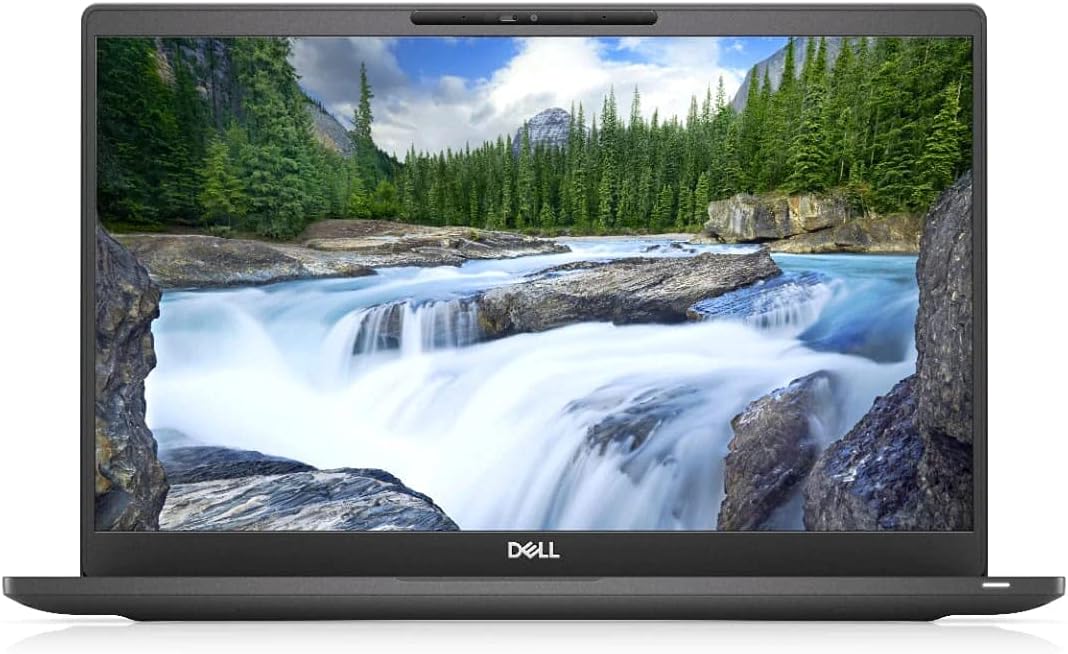
The Dell Latitude 7400 offers a budget friendly path to running Fusion 360 effectively. It is a solid choice for students who need high memory without spending too much.
We may earn a commission when you buy through this link, at no additional cost to you.
With 32GB of RAM this laptop handles multitasking efficiently even if the graphics are not dedicated. The Core i7 processor provides decent speed for basic modeling and assembly work.
Choosing a renewed unit allows you to save money while still getting a durable business laptop. The build quality is generally sturdy and suitable for daily transport to classes.
For those on a tight budget this device provides the necessary memory resources. It might not excel in heavy rendering but it manages everyday design tasks competently.
Latitude laptops are built to withstand daily wear and tear better than consumer grade machines.
The focus on 32GB RAM compensates for older processing power in memory intensive CAD apps.
We may earn a commission when you buy through this link, at no additional cost to you.
This ASUS TUF Gaming laptop provides a reliable foundation for Fusion 360 work. It has a strong processor and a dedicated graphics card which helps with visual fidelity.
We may earn a commission when you buy through this link, at no additional cost to you.
The Core i7 9750H ensures that calculations for constraints and features run quickly. The GTX 1650 is capable of handling moderate 3D views without significant lag.
However users should note that 8GB RAM may be a bottleneck for large assemblies. Upgrading the memory will likely be necessary to run Fusion 360 smoothly.
This model is best for those who want a durable laptop with good gaming and design capabilities. Its military standard construction makes it robust for travel.
The GTX 1650 provides better performance than integrated graphics for 3D viewing.
Adding more RAM is a simple upgrade that unlocks full potential for CAD software.
We may earn a commission when you buy through this link, at no additional cost to you.
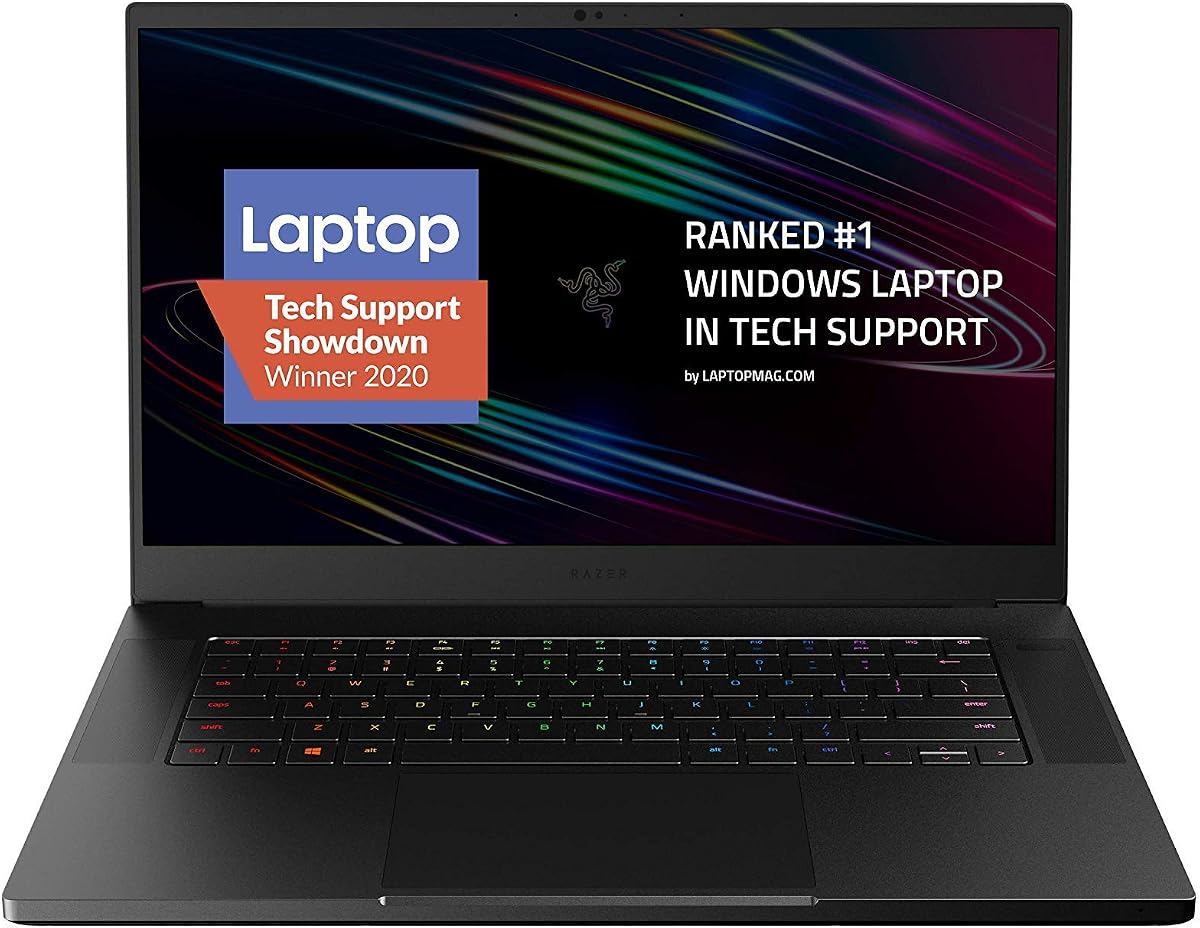
The Razer Blade 15 is known for its premium design and strong performance. It is a great option for professionals who want style and power combined.
We may earn a commission when you buy through this link, at no additional cost to you.
The RTX 2070 Super Max-Q delivers excellent rendering speeds and visual smoothness. This helps when navigating complex models in Fusion 360 without stuttering.
Despite its thin profile the cooling system is effective at managing heat. However the battery life is shorter than average due to the high performance components.
If you need a professional looking machine for client meetings this laptop is ideal. It combines high performance hardware with a sleek CNC aluminum chassis.
The CNC aluminum body feels solid and looks professional in any work environment.
Thunderbolt 3 support allows for fast external storage and high resolution display connections.
We may earn a commission when you buy through this link, at no additional cost to you.
This HP X360 model offers an entry level choice for casual design viewing. It is rated lower for heavy CAD work but can handle simple files.
We may earn a commission when you buy through this link, at no additional cost to you.
The 8GB memory allows basic operation of lightweight design apps. However the integrated graphics may struggle with complex assemblies or rendering tasks.
The convertible design adds versatility for presenting models on a touch screen. It is handy for reviewing sketches or diagrams in tablet mode.
Students or hobbyists with very tight budgets might consider this option. It serves better as a secondary device for viewing rather than main modeling.
Its small 11.6 inch form factor makes it easy to carry everywhere.
Users will need external storage for large project files due to limited internal space.
We may earn a commission when you buy through this link, at no additional cost to you.
The Acer Chromebook Spin 513 is a good browser laptop but not for Fusion 360. It receives mixed ratings for general use but is limited for professional design work.
We may earn a commission when you buy through this link, at no additional cost to you.
With 4GB RAM it struggles to run full desktop applications efficiently. The Snapdragon processor is optimized for web tasks rather than complex 3D modeling.
ChromeOS limits native support for standard CAD software. You would rely on web versions or cloud solutions which may not have full feature sets.
This device is suitable for note taking and web browsing. It is not advised as a primary machine for serious engineering or design tasks.
ChromeOS does not support native installation of standard Fusion 360 desktop app.
The efficient processor ensures long battery life for light tasks away from power.
We may earn a commission when you buy through this link, at no additional cost to you.
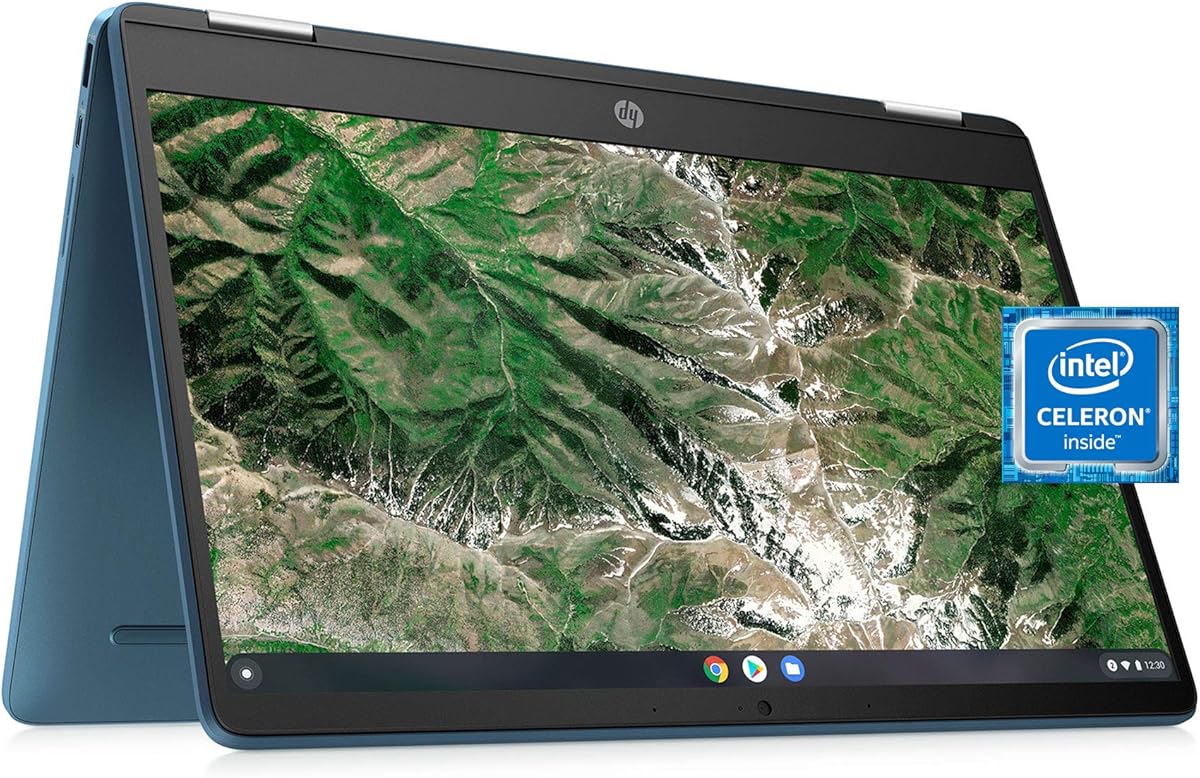
This Chromebook is designed for general web browsing and media consumption. It is rated high for simple daily tasks but not for professional software.
We may earn a commission when you buy through this link, at no additional cost to you.
The Intel Celeron processor lacks the power for demanding applications like Fusion 360. It can handle basic spreadsheets and documents with ease.
The 4GB RAM is the minimum for ChromeOS and limits multitasking. Heavy design software would run very poorly or not at all on this system.
It serves well as a second device for email or browsing. It is not recommended for any serious 3D design or modeling work.
Best suited for users who primarily need internet access and simple documents.
Renewed options offer low cost access to ChromeOS features and reliability.
We may earn a commission when you buy through this link, at no additional cost to you.
This model improves on standard Chromebooks with faster RAM and storage. It is highly rated for smooth web browsing and lightweight productivity apps.
We may earn a commission when you buy through this link, at no additional cost to you.
The 8GB of LPDDR5 RAM helps with multitasking within the Chrome environment. It ensures that multiple tabs stay responsive while you work online.
However it still runs ChromeOS which limits full desktop CAD software support. You might be able to use browser based CAD tools but not heavy local apps.
Ideal for students needing a reliable notebook for research and writing. It is not a replacement for a full Windows laptop for engineering design.
8GB of RAM is a significant improvement over typical Chromebook memory sizes.
UFS storage technology provides faster data access than traditional eMMC chips.
We may earn a commission when you buy through this link, at no additional cost to you.
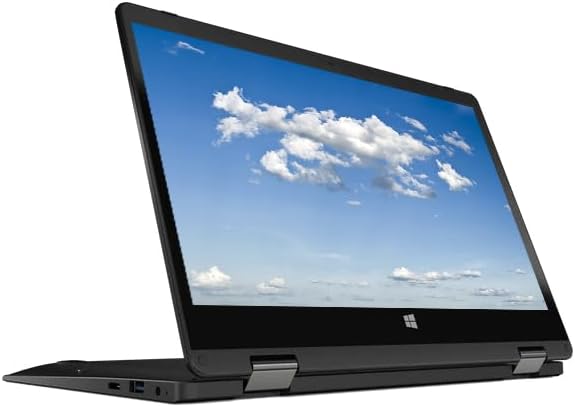
This Gateway laptop offers basic functionality for light users on a strict budget. It runs Windows 11 but has limited hardware for modern software demands.
We may earn a commission when you buy through this link, at no additional cost to you.
With only 4GB RAM it will struggle with complex applications or multitasking. The processor speed is adequate for simple documents and browsing.
The 64GB storage fills up quickly with system updates and files. You will need external storage solutions for any meaningful data storage needs.
It might work for simple schoolwork or basic web tasks. It is not capable of running professional design software like Fusion 360.
This unit serves as an entry level device for very limited usage cases.
Users will quickly outgrow this device for any complex computing tasks.
We may earn a commission when you buy through this link, at no additional cost to you.
Selecting the right device requires understanding key hardware factors. This guide breaks down the essential specs you need for a smooth CAD experience.
Fusion 360 relies heavily on single core performance for most modeling tasks. Look for modern Intel Core i5 or i7 processors with high clock speeds to ensure snappy interactions.
A fast processor reduces lag when rotating complex models or applying constraints during design work.
A dedicated graphics card is highly recommended for smooth viewport navigation. Integrated graphics may work for simple sketches but struggle with heavy assemblies.
NVIDIA RTX cards provide excellent support for real-time shading and rendering within the software.
RAM is critical for loading large projects and running background applications. 16GB is the comfortable minimum for serious work while 32GB offers future proofing.
Insufficient memory leads to slow file loading and frequent system freezes during long sessions.
An SSD is mandatory for fast boot times and quick project loading. Aim for at least 512GB to store your current work and local software.
Solid state drives significantly improve workflow efficiency compared to traditional mechanical hard drives.
A high resolution screen helps you see fine details in your designs. Full HD or higher resolution ensures clear visibility of dimensions and constraints.
Color accuracy is less critical than sharpness but an IPS panel offers better viewing angles.
If you carry your laptop to classes or meetings consider the weight carefully. Gaming laptops are powerful but often heavier than ultrabooks.
Balancing performance with a manageable weight ensures you can work anywhere without strain.
Fusion 360 requires a full Windows or macOS operating system. Chromebooks or tablets running lighter OS versions are not suitable for this software.
Ensure your chosen device runs a supported version of Windows for full feature access.
Multiple USB ports allow you to connect peripherals like mice or external drives easily. HDMI or Thunderbolt support is useful for connecting to external monitors.
Good connectivity expands your workspace and simplifies workflow when using multiple screens.
Keep your device cool by using it on hard flat surfaces. Good ventilation prevents overheating which protects the internal components during long rendering sessions.
Regularly update your graphics drivers to maintain compatibility with Fusion 360. Manufacturers release updates that fix bugs and improve performance for new software versions.
Use a good quality laptop cooler if you plan on heavy rendering work. This extra airflow helps maintain performance levels and extends the lifespan of your hardware.
Yes Fusion 360 supports macOS devices as well. However you should check the system requirements to ensure your Mac model meets the necessary processing and memory needs for smooth operation.
8GB RAM is the minimum requirement but may struggle with larger assemblies. We recommend upgrading to 16GB or 32GB for a comfortable experience with complex designs and multitasking.
No Fusion 360 requires a full Windows or macOS operating system. Chromebooks do not support the desktop application so they cannot be used for professional 3D modeling tasks.
While basic sketches might work with integrated graphics a dedicated GPU is strongly recommended. It ensures smooth navigation and rendering for complex models without lag or stuttering.
A 15-inch or larger screen is generally best for CAD work. It provides enough real estate to view toolbars and model details simultaneously without excessive scrolling.
You should update your graphics drivers at least once a month. Regular updates ensure compatibility with the latest software features and resolve known performance issues.
We reviewed ten options ranging from powerful gaming machines to budget devices. The HP Victus and ASUS TUF models stand out for their balance of performance and value.
Prioritize a fast processor and dedicated graphics for a smooth workflow. Memory and storage are also key factors to ensure your system handles large files efficiently.
Check current stock and availability before buying as deals change frequently. Selecting the right machine will empower you to design efficiently without hardware limitations.