
WD SE 2TB Datacenter Hard Disk Drive
4.4Editor score
Best-in-class performance per GB
Enhanced vibration tolerance technology
Five-year manufacturer limited warranty
Choosing the right internal storage is crucial for system performance and data security. A 7200 Rpm HDD Hard Drive offers a balance of speed and capacity that suits gamers, creative professionals, and server administrators who need reliable access to large files without breaking the bank.
We analyzed ten top models from leading manufacturers like Seagate and Western Digital. Our comparison focuses on spindle speed, cache size, warranty coverage, and real-world reliability. This list covers desktop units, laptop-compatible drives, and enterprise-grade options to meet diverse storage needs.
Each pick highlights specific strengths like gaming optimization, data recovery services, or vibration tolerance. Note that availability and pricing fluctuate frequently. Check current listings before purchasing to ensure you get the best value for your specific configuration and workload requirements.
4.4Editor score
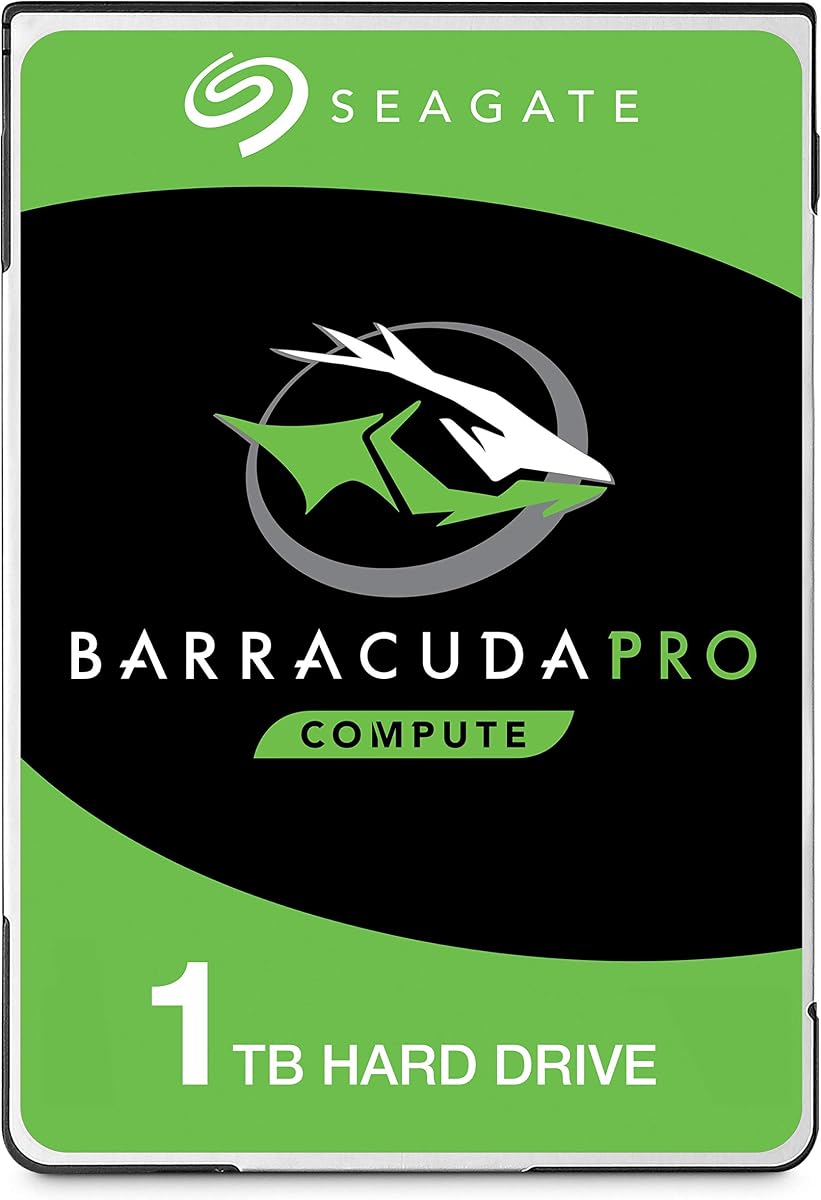
4.6Editor score

4.2Editor score
As an Amazon Associate we earn from qualifying purchases.
The following table provides a side-by-side comparison of all ten selected models. It highlights key specifications such as cache size, form factor, and specific use cases to help you quickly identify the drive that matches your hardware and performance requirements.


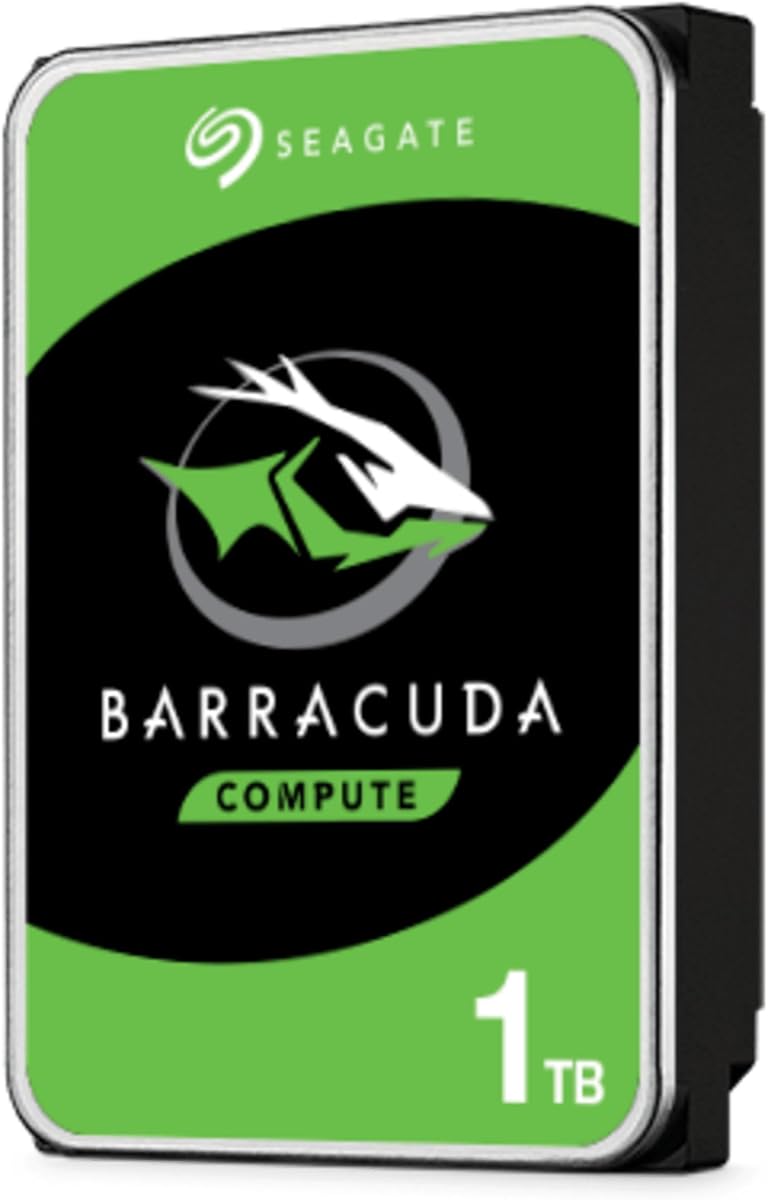
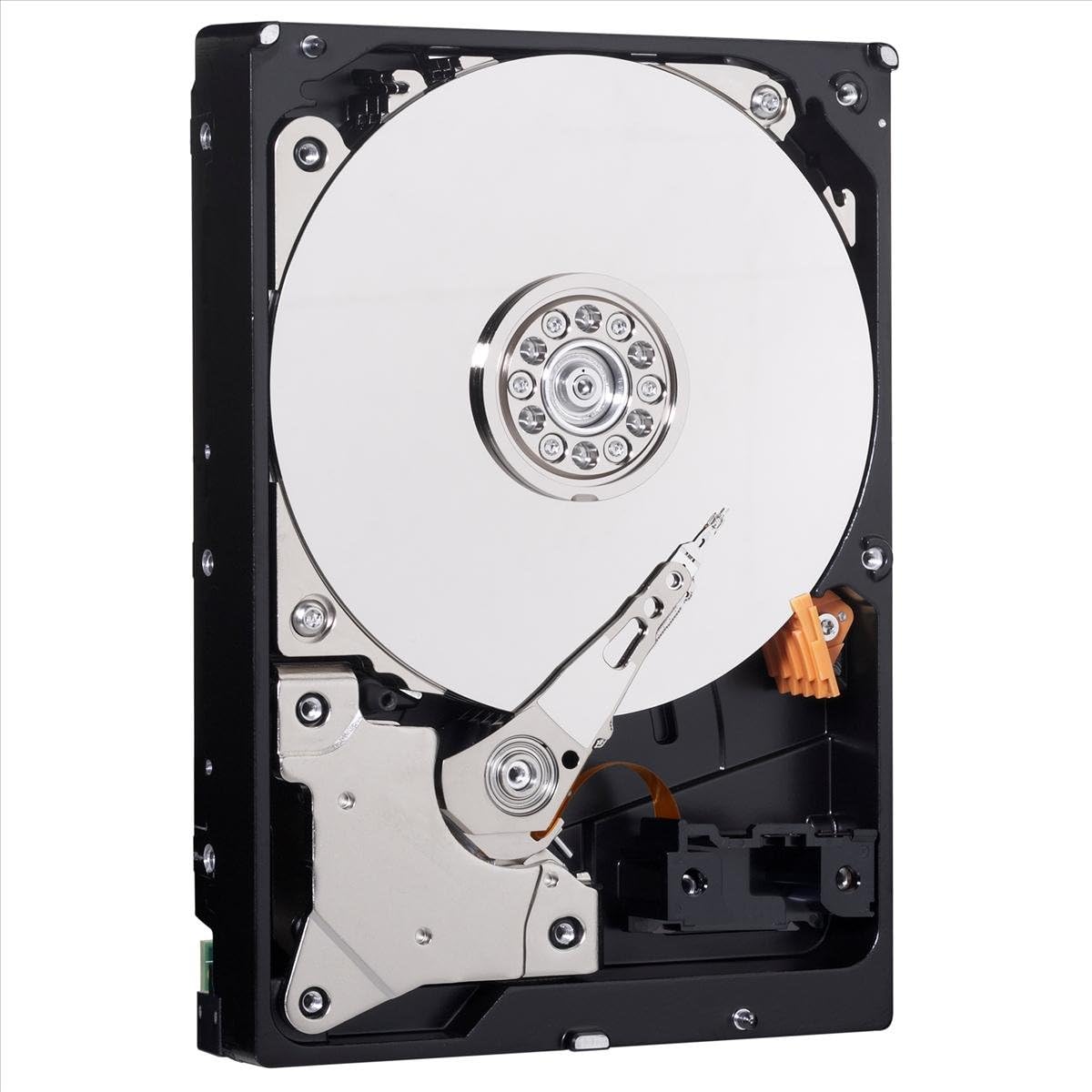

This drive combines high performance with robust support features making it a top choice for professionals and gamers. It has a strong rating and stands out for its included rescue services and five-year warranty coverage.
We may earn a commission when you buy through this link, at no additional cost to you.
The optimized read/write caching technology accelerates large file transfers and improves multitasking efficiency. Users can tackle demanding projects like video editing or gaming with confidence knowing the drive is backed by extensive innovation and support.
While the cost is slightly higher than basic models the added peace of mind from the data recovery service is a valuable trade-off. The form factor may require an adapter for standard desktop cases but the performance benefits often outweigh this minor inconvenience.
If you need a versatile drive that balances speed and security this model is an excellent investment. It is recommended for anyone building a high-performance workstation who values long-term reliability and data protection services.
The included rescue data recovery services provide a safety net for critical files in case of unexpected failure.
With 128MB of cache this drive handles burst data loads more efficiently than standard consumer HDDs.
We may earn a commission when you buy through this link, at no additional cost to you.
This drive offers incredible value for users needing large storage without paying premium prices. It is tested for server workloads and performs reliably in standard desktop setups due to its robust construction and vibration handling.
We may earn a commission when you buy through this link, at no additional cost to you.
The RAFF technology ensures stable performance even when multiple drives are mounted together. This makes it ideal for multi-bay NAS systems or workstations that require consistent throughput for video editing or large dataset storage.
Potential buyers should note that the package is bare and may require separate purchase of mounting hardware. While targeted at datacenters the cost-effective nature makes it a smart pick for budget-conscious builders needing enterprise-grade reliability.
Choose this option if you prioritize capacity and durability over brand-specific desktop features. It is perfect for storage arrays where vibration management is critical to preventing data corruption and ensuring long-term drive health.
Enhanced Rotary Acceleration Feed Forward technology significantly improves performance in multi-drive environments.
Undergoes 5 million hours of functional testing to ensure reliability under actual server workloads.
We may earn a commission when you buy through this link, at no additional cost to you.
This enterprise-grade drive delivers massive capacity for serious storage needs. It supports hot-plugging which is vital for maintaining uptime in critical server applications or surveillance systems that cannot afford downtime.
We may earn a commission when you buy through this link, at no additional cost to you.
The sustained transfer rate ensures smooth streaming of large HD video files or database operations. Its reliability metrics including low AFR make it a robust choice for centralized storage where data integrity is paramount.
While the renewed status might concern some users it offers enterprise features at a lower cost point. The warranty is shorter than standard consumer drives but the mechanical design prioritizes 24×7 operation longevity over typical home use.
Select this drive if you are building a NAS or server and need reliable bulk storage. It is best suited for environments where the hardware can be monitored and replaced easily if issues arise.
Hot-plug support allows drives to be replaced without shutting down the server system.
Features 1.4 million hour MTBF for exceptional reliability in continuous operation environments.
We may earn a commission when you buy through this link, at no additional cost to you.
This drive is a staple for general desktop use offering a balance of speed and capacity. It handles everyday tasks like photo editing and gaming well thanks to its 7200 RPM spindle speed.
We may earn a commission when you buy through this link, at no additional cost to you.
The frustration free packaging makes installation easier for first-time builders. It is backed by decades of innovation and works seamlessly with most modern motherboards and operating systems.
While it lacks the extra cache of premium models it delivers sufficient performance for most home users. The standard warranty provides basic protection but is typical for this tier of consumer drive.
Pick this model if you need a straightforward upgrade for your desktop PC. It is recommended for casual users who want reliable storage without complex enterprise features or excessive costs.
Works with nearly every PC application from music storage to gaming setups.
Designed with user-friendly packaging to simplify the upgrade process.
We may earn a commission when you buy through this link, at no additional cost to you.
This model is particularly well suited for users upgrading Dell desktop systems due to its specific part number compatibility. It delivers consistent performance and high reliability ratings among users who have deployed it in corporate environments.
We may earn a commission when you buy through this link, at no additional cost to you.
The 7200 RPM speed ensures quick access to files which is beneficial for workstations handling large datasets. Its SATA 6Gb/s interface provides ample bandwidth for most storage tasks.
Because it targets specific OEM hardware the price may vary compared to standard retail units. However the performance and reliability metrics remain competitive with other top-tier consumer drives on the market.
Ideal for Dell workstation owners looking for an exact replacement or expansion. Ensure your system supports the specific form factor and interface before purchasing to avoid compatibility issues.
Engineered to meet the strict standards of major system integrators like Dell.
Supports SATA 6Gb/s for efficient communication with modern controllers.
We may earn a commission when you buy through this link, at no additional cost to you.
The WD Black series is designed specifically for gamers and power users who need responsive storage. It features technologies like StableTrac to reduce vibration and maintain performance during heavy use.
We may earn a commission when you buy through this link, at no additional cost to you.
With a five-year warranty it offers peace of mind for those running demanding applications. The capacity scales up to 10TB which is perfect for storing large game libraries and media files.
While it commands a premium over standard drives the performance tuning justifies the cost for enthusiasts. Dynamic Cache Technology optimizes read/write operations to minimize load times.
Buy this if you are a serious gamer or content creator who needs speed and durability. It fits well in gaming rigs where reliable storage is just as important as a powerful graphics card.
Designed to handle the intensive read/write cycles typical of modern PC gaming.
Intelligently allocates cache space to optimize performance for current workloads.
We may earn a commission when you buy through this link, at no additional cost to you.
This model is a versatile solution for almost any PC application from video editing to simple file storage. It builds on two decades of innovation to offer consistent performance in standard desktop enclosures.
We may earn a commission when you buy through this link, at no additional cost to you.
The drive supports a wide range of capacities allowing you to tailor your storage setup to your needs. It is known for its straightforward reliability without unnecessary software bloat or complex features.
While the warranty is shorter than professional drives it is sufficient for typical home or office use. The price point remains competitive for a 7200 RPM drive with solid cache memory.
Choose this for general system upgrades where cost effectiveness is key. It works well as a secondary drive for documents or as a primary drive for non-critical home users.
The go-to SATA solution for music video and photo editing tasks.
Backed by extensive industry experience and millions of successful deployments.
We may earn a commission when you buy through this link, at no additional cost to you.
This drive is suitable for users who need basic storage capacity without high costs. It includes IntelliSeek which optimizes seek speeds to lower power consumption and noise levels during operation.
We may earn a commission when you buy through this link, at no additional cost to you.
Data LifeGuard tools monitor drive health continuously to ensure it stays in optimal condition. NoTouch Ramp Load Technology protects the recording head when not in use to prevent accidental damage.
While the capacity is lower than others in this list it is perfect for boot drives or smaller systems. The lower cache size impacts burst performance but remains adequate for general desktop tasks.
Ideal for building budget PCs or upgrading older systems with limited power budgets. It provides reliable storage for essential files without the overhead of high-capacity enterprise features.
IntelliSeek calculates optimal speeds to reduce noise and energy use.
Advanced algorithms keep your drive in optimum health through continuous monitoring.
We may earn a commission when you buy through this link, at no additional cost to you.
This model features an impressive 256MB cache which boosts performance during large file operations. It is designed to handle data migration easily with included software tools that simplify the cloning process.
We may earn a commission when you buy through this link, at no additional cost to you.
The frustration free packaging ensures that you can start building your system right away. It is a reliable choice for gaming computers and desktop setups needing ample space for media and applications.
Users appreciate the balance of capacity and speed without needing enterprise-level complexity. The higher cache helps buffer data transfers making it feel snappier than drives with smaller buffers.
Select this drive if you need substantial storage space for a home media center. It offers a significant performance edge over smaller cache drives while remaining cost-effective for general use.
Free DiscWizard software allows easy cloning of data from old drives.
256MB cache optimizes burst performance and reduces bottlenecks.
We may earn a commission when you buy through this link, at no additional cost to you.
Designed for enterprise environments this drive delivers a high blend of performance and reliability. It undergoes extensive testing under actual workloads to ensure it meets the demands of continuous server operations.
We may earn a commission when you buy through this link, at no additional cost to you.
The warranty period is generous for a drive in this price category offering long-term security for users. Its design prioritizes capacity and endurance making it a strong choice for bulk storage needs.
While it lacks some consumer-friendly extras the core metrics are robust for professional use. The stable performance under load makes it preferable to standard desktop drives in multi-bay configurations.
Opt for this if you need a drive for a home server or NAS. It offers professional-grade stability and warranty protection without the high cost of premium enterprise models.
Drives undergo over 20 million hours of testing under actual workloads.
Includes a five-year limited warranty for long-term protection and peace of mind.
We may earn a commission when you buy through this link, at no additional cost to you.
Selecting the right hard drive involves considering several key technical and practical factors. Below we detail the most important criteria to evaluate before purchasing a 7200 Rpm HDD Hard Drive.
A 7200 RPM speed is the standard for performance-oriented desktop drives offering faster data access than 5400 RPM models. This speed directly impacts boot times and application loading speeds which is crucial for gamers and power users.
Always verify that the drive is rated for 7200 RPM to ensure you get the performance you pay for.
Cache acts as a temporary storage buffer that speeds up data transfer between the drive and the CPU. Higher cache sizes like 256MB improve burst performance and reduce bottlenecks during large file operations.
For general use 64MB is acceptable but larger caches are better for video editing and heavy multitasking.
Choose a capacity that meets your current needs with room for growth. Options range from 500GB to 6TB allowing you to tailor your budget and space requirements effectively.
Larger capacities often provide a better cost per gigabyte ratio making them economical for long-term storage.
Warranties indicate manufacturer confidence in reliability. Consumer drives typically offer two years while enterprise models can offer up to five years of protection against defects.
Prioritize drives with longer warranties if you plan to store critical data without external backups.
Drives intended for NAS or server environments feature vibration tolerance technologies like RAFF to maintain stability. This is vital for multi-bay systems where mechanical resonance can affect drive health.
Avoid using standard desktop drives in high-vibration environments as it may shorten their lifespan significantly.
Most desktop PCs use 3.5 inch drives which offer higher capacity and power efficiency. Laptop drives use 2.5 inch form factors which are smaller but often have lower capacity options.
Check your case or laptop specifications before buying to ensure physical compatibility with your system.
Look for drives with health monitoring tools like Data LifeGuard that alert you to potential failures. These features help prevent data loss by allowing proactive maintenance or drive replacement.
Models with advanced monitoring are recommended for businesses or users who cannot afford unexpected downtime.
Ensure the drive supports SATA 6Gb/s to maximize data transfer rates. Older SATA 3Gb/s interfaces can limit the performance of modern high-speed drives.
Most current motherboards support SATA 6Gb/s but always check compatibility if upgrading an older system.
Ensure your drive is securely mounted using appropriate screws or tool-less trays to prevent vibration damage. Proper mounting helps reduce noise and prevents mechanical wear that could lead to failure over time.
Regularly run diagnostic tools provided by the manufacturer to monitor drive health and firmware updates. Keeping your firmware current ensures optimal performance and compatibility with modern operating systems.
Avoid sudden power loss or physical shocks during operation as these can damage the internal mechanisms. Use an uninterruptible power supply or properly shutdown your computer to safeguard your data.
An SSD is significantly faster for boot times and load speeds compared to any HDD. However a 7200 RPM HDD offers much larger storage capacity at a lower cost per gigabyte. Choose an SSD for your operating system and an HDD for bulk file storage.
Typically a quality 7200 RPM HDD lasts between three to five years depending on usage intensity. Enterprise drives may last longer due to rigorous testing and higher durability ratings. Factors like heat and vibration also impact lifespan.
WD Blue is designed for general daily use offering balanced performance and capacity. WD Black is optimized for gaming and creative workloads with higher endurance and performance tuning. Choose Black if you need extra speed for demanding tasks.
Yes you must format the drive before it can be recognized by your operating system. Windows usually formats to NTFS while macOS uses APFS or ExFAT. Most drives come unformatted so check your disk management utility.
Yes you can use a 2.5 inch drive in a desktop with an adapter bracket. The drive is smaller but uses the same SATA interface as standard 3.5 inch desktop drives. It fits well in compact or mini-ITX PC cases.
RAID storage allows you to connect multiple drives to increase redundancy or performance. A 7200 RPM HDD is often used in RAID setups for large backup volumes or data centers. Ensure your controller supports the drive type you choose.
We have reviewed ten reliable options for 7200 RPM HDD hard drives including top picks like the BarraCuda Pro for overall performance and the WD SE for budget storage. Each model offers unique strengths depending on whether you prioritize speed capacity or reliability.
Prioritize a drive with a strong warranty and adequate cache if you handle large files frequently. For general use standard models provide ample speed and capacity without extra costs ensuring efficient daily computing experiences.
Remember that prices and availability can change so verify current listings before purchasing to confirm you get the best value for your setup.