
Rongta Bluetooth Shipping Label Printer
4.0Editor score
Affordable wireless option
Automatic label identification
Compact portable design
Find the best Label Printer for Pirate Ship with our expert comparison of top thermal models for shipping efficiency and reliability in 2026.
Selecting the right label printer for Pirate Ship can significantly streamline your shipping operations. A high-quality thermal printer ensures crisp labels that scan reliably, reducing errors and delays for your customers.
We compared ten top-rated thermal label printers based on connectivity, speed, compatibility with shipping platforms, and ease of use. This list highlights models that integrate seamlessly with Pirate Ship and other major e-commerce tools.
Each pick showcases key features, pros, and cons to help you decide based on your specific business needs. Please note that product availability and pricing may change over time, so check current listings before purchasing.
4.0Editor score

4.6Editor score

4.4Editor score
This table provides a side-by-side overview of all ten printers to help you quickly compare key specifications and features relevant to Pirate Ship integration and daily shipping workflows.






The Rollo USB Shipping Label Printer stands out as a top choice for small businesses using Pirate Ship. With a high rating of 4.6, it offers commercial-grade durability and speed that matches high-volume shipping needs.
We may earn a commission when you buy through this link, at no additional cost to you.
Its direct thermal technology prints at 150mm/s, ensuring clear labels at 203 DPI. The Rollo Ship app provides cost-saving shipping rates and integrates smoothly with major marketplaces like Amazon and Shopify.
While it lacks Bluetooth connectivity and costs more than budget options, the reliability and speed justify the investment. The printer works seamlessly with Windows and Mac systems via USB.
Businesses seeking a dependable workhorse for daily shipping should consider this model. It reduces downtime and ensures professional-looking labels for every package.
Built to handle daily heavy use without overheating or jamming frequently.
Works with all major shipping platforms including Pirate Ship via PDF upload.
We may earn a commission when you buy through this link, at no additional cost to you.
The Rongta Bluetooth Shipping Label Printer is an excellent budget option for those starting with Pirate Ship. It features automatic label detection which simplifies setup and reduces manual adjustments.
We may earn a commission when you buy through this link, at no additional cost to you.
With Bluetooth connectivity, you can print directly from phones or tablets using the RONGTA app. The compact design fits easily on small desks or in travel kits for on-the-go shipping.
Though it has a slightly lower rating compared to premium models, it delivers consistent performance for light to medium workloads. The automatic feed feature saves time during busy periods.
Ideal for home sellers or small startups, this printer balances cost and functionality. Ensure you download the latest drivers for smooth operation on Windows or Mac systems.
Sensors identify label size automatically to prevent misalignment issues.
Print from mobile devices without needing a direct computer connection.
We may earn a commission when you buy through this link, at no additional cost to you.
The Westinghouse Thermal Shipping Label Printer offers premium features for advanced users. Its Ethernet capability allows networked printing, ideal for offices with multiple users managing Pirate Ship orders.
We may earn a commission when you buy through this link, at no additional cost to you.
With a speed of 6 inches per second, it handles high-volume batches efficiently. The printer supports ZPL software, giving developers flexibility for custom label formatting if needed.
While the setup might be more complex than plug-and-play models, the stability is worth it. The build quality ensures long-term performance in demanding environments.
For businesses needing networked or highly reliable printing, this is a strong choice. It minimizes interruptions and keeps shipping workflows smooth during peak seasons.
Ethernet support enables shared printing across office workstations.
Rapid printing reduces wait times during order processing peaks.
We may earn a commission when you buy through this link, at no additional cost to you.
The Nelko Bluetooth Thermal Shipping Label Printer provides versatile connectivity options for Pirate Ship users. It supports both Bluetooth and USB connections, offering flexibility depending on your device setup.
We may earn a commission when you buy through this link, at no additional cost to you.
The printer delivers 150mm/s speed and clear text at 203 DPI. Users can download the NELKO app to manage labels directly from mobile devices, streamlining the workflow significantly.
Some Mac users may find Bluetooth limitations requiring USB use. However, the overall efficiency and compact design make it a practical choice for small businesses.
If you need a mix of mobile and desktop printing capabilities, this model fits well. It saves space and keeps operations smooth without constant cable management.
The dedicated app simplifies label creation and printing from phones.
Space-saving build fits neatly in home office environments.
We may earn a commission when you buy through this link, at no additional cost to you.
This Thermal Shipping Label Printer uses direct thermal technology to eliminate ink costs. The FlashLabel Pro app provides extensive templates, making customization easy for Pirate Ship labels.
We may earn a commission when you buy through this link, at no additional cost to you.
With speeds up to 150mm/s, it minimizes downtime during busy shipping hours. The matte finish and reinforced coating add durability for regular office use.
The offline capability allows local storage of designs, which is useful if internet connections are unstable. However, it only prints in black and white.
For small businesses prioritizing speed and cost-efficiency, this model is a solid contender. It offers good value with reliable performance for daily labeling tasks.
Store templates locally to print without waiting for cloud downloads.
Reduced power consumption helps lower operational costs over time.
We may earn a commission when you buy through this link, at no additional cost to you.
The JADENS Bluetooth Thermal Shipping Label Printer features a Japanese high-tech thermal print head for superior quality. It supports a wide range of label sizes, making it ideal for varied shipping needs.
We may earn a commission when you buy through this link, at no additional cost to you.
You can print via USB on Mac systems, while Bluetooth works for Windows users. The setup takes about one minute, including provided instructional videos for troubleshooting.
Mobile users may need to download the Jadens printer app as direct Bluetooth printing is not supported on phones. Despite this, the printer remains reliable for business use.
With strong platform compatibility including ShipStation and Etsy, this model adapts well to different workflows. It is a good choice for those needing reliable multi-platform support.
Japanese print head ensures sharp and consistent text output.
Works seamlessly with major marketplaces like Amazon and eBay.
We may earn a commission when you buy through this link, at no additional cost to you.
The KNAON Bluetooth Thermal Shipping Label Printer is designed for portability and speed. With a printing speed of up to 180 mm/s, it is one of the faster options available for Pirate Ship.
We may earn a commission when you buy through this link, at no additional cost to you.
The printer is compatible with Windows, macOS, and Linux systems, making it versatile for diverse office setups. Users can access thousands of templates for creating custom labels easily.
For ChromeOS users, installing an extension is required, which might add a step to setup. The stylish white design also makes it appealing for home office aesthetics.
If you prioritize speed and a compact footprint, this printer delivers well. It simplifies label creation with its user-friendly app interface and broad compatibility.
Fast 180mm/s speed keeps up with high-volume shipping demands.
Thousands of templates and icons allow for unique label designs.
We may earn a commission when you buy through this link, at no additional cost to you.
The MUNBYN Bluetooth Thermal Label Printer offers a unique web-based editor for label design. You can access the Munbyn Editor via Chrome without installing extra software, simplifying the workflow.
We may earn a commission when you buy through this link, at no additional cost to you.
It supports specialty labels like glitter and rainbow options, adding branding opportunities for your store. The printer is trusted by over 80,000 entrepreneurs for its reliability.
Users are advised to use genuine MUNBYN thermal labels for optimal results, as compatibility issues may arise with other paper types. This ensures clear and lasting prints.
For small businesses looking for branding flexibility and a simple setup process, this model is a great pick. It balances ease of use with functional diversity effectively.
Design labels directly in Chrome without installing desktop drivers.
Support for specialty labels helps differentiate your brand packages.
We may earn a commission when you buy through this link, at no additional cost to you.
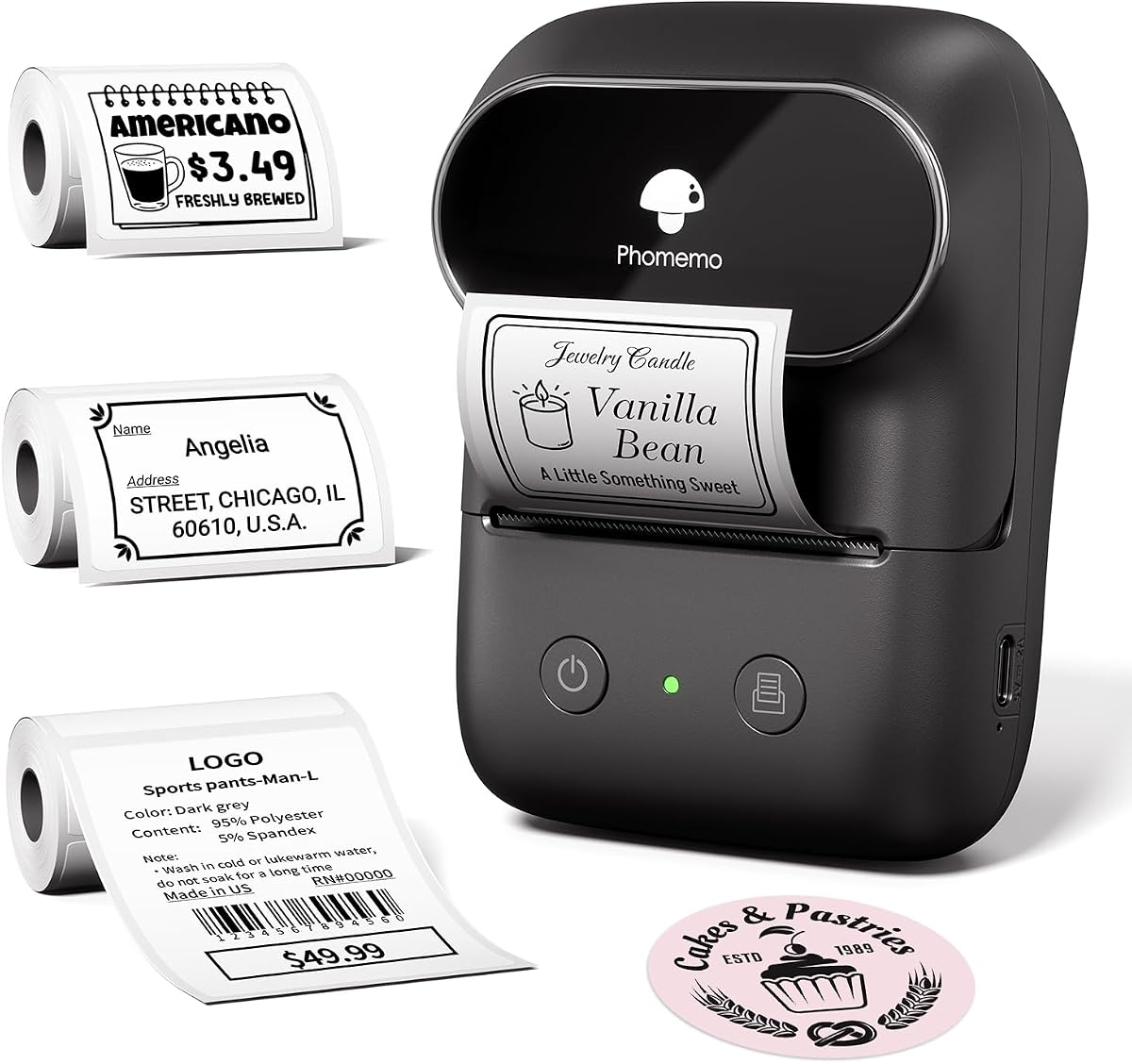
The Phomemo Bluetooth Thermal Shipping Label Printer is backed by a professional support team offering live chat and remote assistance. This is beneficial if you encounter setup issues with Pirate Ship integration.
We may earn a commission when you buy through this link, at no additional cost to you.
It uses advanced thermal direct technology to produce labels that resist fading. With speeds of 150 mm/s, it efficiently handles standard shipping workflows without delays.
Mobile users can print easily using the Labelife app. The interface is designed to be intuitive, allowing quick label creation from iOS or Android devices.
For sellers who value reliable customer support and quality prints, this printer is a strong choice. It provides peace of mind with its comprehensive support services.
Live chat and phone support ensure quick resolution of issues.
Engineered labels resist smudging to keep shipping info legible.
We may earn a commission when you buy through this link, at no additional cost to you.
The Phomemo Thermal Label Maker Machine is designed for portability with a rechargeable battery. While it is best for smaller labels, it serves as a useful companion for home organization.
We may earn a commission when you buy through this link, at no additional cost to you.
It prints widths from 3/4 to 2 inches, suitable for product info or name tags rather than full shipping labels. The Print Master app offers many icons and templates for customization.
For Pirate Ship shipping labels, you may still need a dedicated 4×6 printer. However, this unit is great for supplementary tagging tasks around the home business.
Its lightweight design makes it easy to carry anywhere. It is a handy tool for smaller labeling needs but not for primary shipping label printing.
Up to 6,000 prints per charge reduce cord dependency.
Voice input and OCR help create labels hands-free quickly.
We may earn a commission when you buy through this link, at no additional cost to you.
Selecting the right thermal printer requires considering connectivity, speed, and compatibility. This guide outlines key factors to ensure your device works smoothly with Pirate Ship.
Bluetooth allows wireless printing from mobile devices, while USB provides stable connections for desktops. Pirate Ship users may prefer dual connectivity for flexibility.
Ensure the printer supports your operating system to avoid driver issues during setup.
Fast printing speeds reduce downtime during peak shipping hours. Look for models offering at least 150mm/s to keep up with high order volumes.
Higher speeds increase efficiency and allow you to ship more packages daily.
Your printer should work seamlessly with shipping platforms like Pirate Ship. Most thermal printers accept PDF uploads, but check driver support for smooth integration.
Compatibility ensures labels print correctly without manual file conversion steps.
Most shipping labels require 4×6-inch paper. Ensure the printer supports this size to avoid formatting issues.
Broader size support allows for flexible branding and smaller tag options.
Commercial-grade printers are built for longevity under heavy use. Investing in a durable unit minimizes replacements and maintenance costs.
Durable construction ensures consistent performance over months of daily shipping.
Simple setup processes reduce downtime when launching a new printer. Look for models with included drivers and clear instructions.
Quick installation allows you to start printing labels almost immediately.
Thermal printers eliminate the need for ink or toner. Consider the cost of labels and overall operational expenses.
Low-maintenance models save money over time through reduced consumable costs.
Reliable customer service is crucial if technical issues arise. Check for available help options like phone support or live chat.
Good support ensures quick resolution and minimal interruption to shipping workflows.
Connect your printer to your computer or mobile device via USB or Bluetooth. Install necessary drivers or download the dedicated app provided by the manufacturer.
Upload your Pirate Ship shipping labels as PDFs through the app or printer interface. Ensure the label size is set correctly to avoid misalignment.
Keep the printer clean and store it in a dry environment. Use high-quality thermal labels to prevent jams and ensure clear text output.
Most thermal printers work with Pirate Ship as long as they support standard 4×6 labels. You may need to download PDFs from the platform to print them using your printer software.
No, thermal printers use heat to print directly on special thermal paper. This eliminates the need for ink cartridges or toner, saving ongoing costs.
USB offers stability for desktops while Bluetooth provides mobility for mobile devices. Many sellers prefer dual connectivity options for flexibility.
A speed of 150mm/s is standard for efficient shipping operations. Faster printers reduce wait times during high-volume periods.
Faint printing may be due to low print density settings or low-quality labels. Adjust settings or use genuine thermal paper for better clarity.
Most printers support Mac, but Bluetooth connectivity varies. Check specific driver requirements before purchasing to ensure compatibility.
Turn off the printer and use a lint-free cloth to wipe the print head. Clean regularly to maintain print quality.
We compared ten top-rated printers including the Rollo and Rongta models. Each offers distinct advantages for shipping efficiency depending on your needs.
Prioritize print speed and connectivity to ensure smooth Pirate Ship integration. A reliable printer minimizes errors and keeps customers happy.
Please verify current product availability and specs before purchasing. Checking reviews and official support channels will help you make the right choice for your business.